
TLDR; Need the best Divi plugin fast? Pick by workflow, not feature count.
Divi Engine comes out on top for advanced builds: WooCommerce, dynamic content, AJAX filtering, forms, mobile navigation, gated content, and performance. Pee-Aye Creative is best for modular builder improvements. Divi Flash fits teams that want a big all-in-one design toolkit. Divi Life suits specialized add-ons for menus, popups, bars, and admin tweaks. Choose the tool that matches the sites you build most and keep plugin sprawl down for easier maintenance, support, and client handoff.
If you’re looking for the top Divi plugins or trying to narrow down the best Divi plugins for client work, you probably already know the hard part isn’t finding options. It’s deciding which ones actually help you build faster, customize more, and manage more complex websites without turning your stack into a mess, which happens more often than most people expect.
The focus here is on the leading names in the Divi ecosystem with one main question: which top Divi plugins give WordPress developers, designers, agencies, and in-house teams the most practical value on real projects? Not just long lists of flashy modules, but tools that really help in day-to-day work, like WooCommerce support, dynamic content handling, mobile UX, form flexibility, and how easy it is to hand a site off to a client without getting follow-up questions every day.
Right now, Divi sites are often doing much more than simple brochure pages. Teams are building stores, directories, gated content hubs, and conversion-focused landing pages inside the same builder. That means the best plugin choice isn’t just about adding visual effects. Here, it’s really about choosing tools that support growth and keep workflows moving as sites become more demanding, often with more content, more integrations, and more people involved.
What we’re comparing in the top Divi plugins landscape
- Diviengine
- Pee-Aye Creative
- Divi Flash
- Divi Life
Top Divi plugins you’ll probably want to check out
1. Diviengine
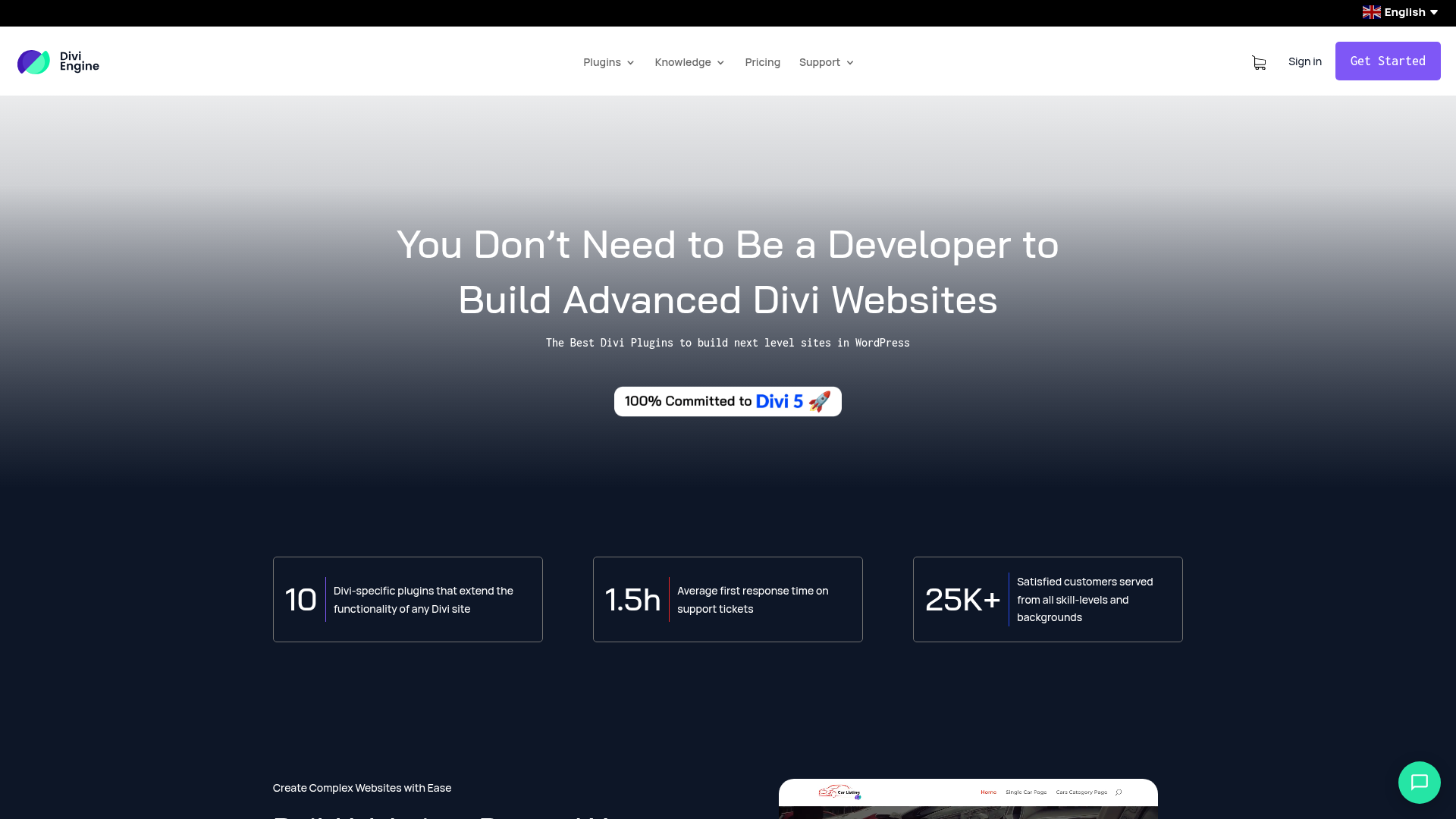
At a Glance
Divi Engine stands out because it’s not focused on only one small plugin use case. Instead, it gives you a wider Divi-focused toolkit for more advanced website builds, covering e-commerce, forms, filtering, dynamic content, membership control, speed, and mobile menus. That’s a pretty broad range, and it gives the setup a more complete feel.
This usually makes it especially useful for agencies and developers working on different kinds of client sites while still wanting tools that work well together. Instead of putting together random add-ons from different sources, they can keep more of the workflow inside one Divi-specific ecosystem. On many projects, that often makes things easier to manage.
Core Features
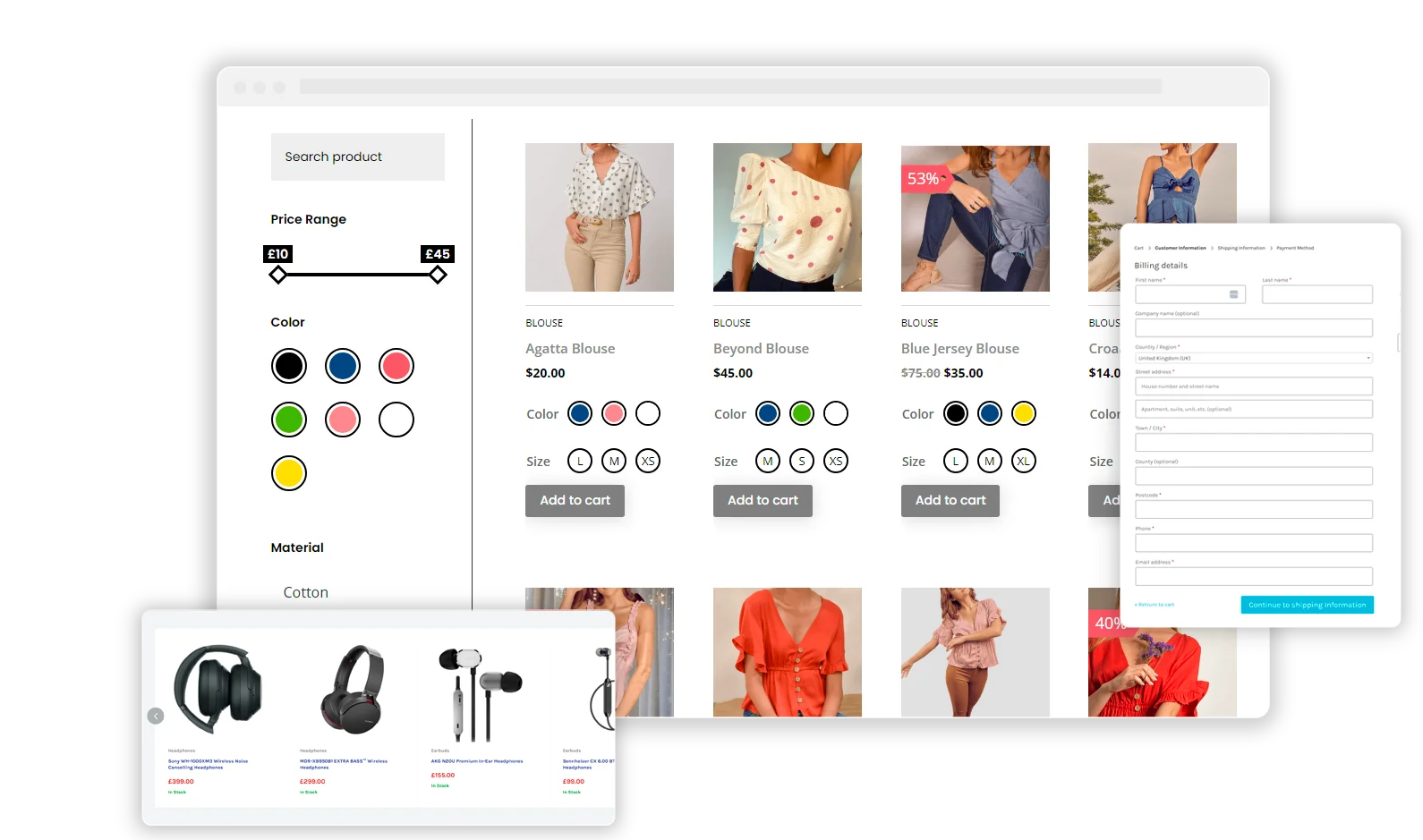
- Divi BodyCommerce for deeper WooCommerce page and store customization
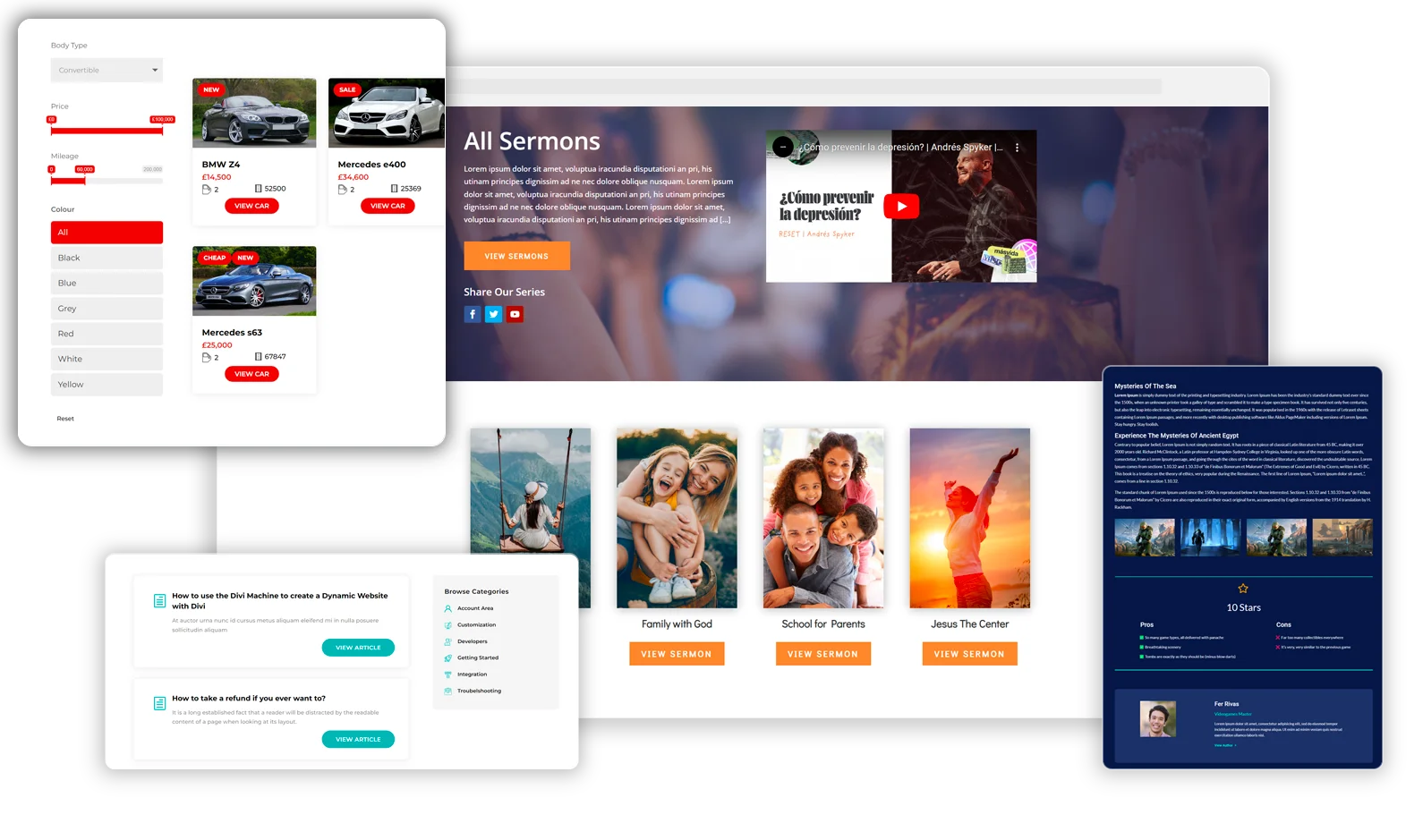
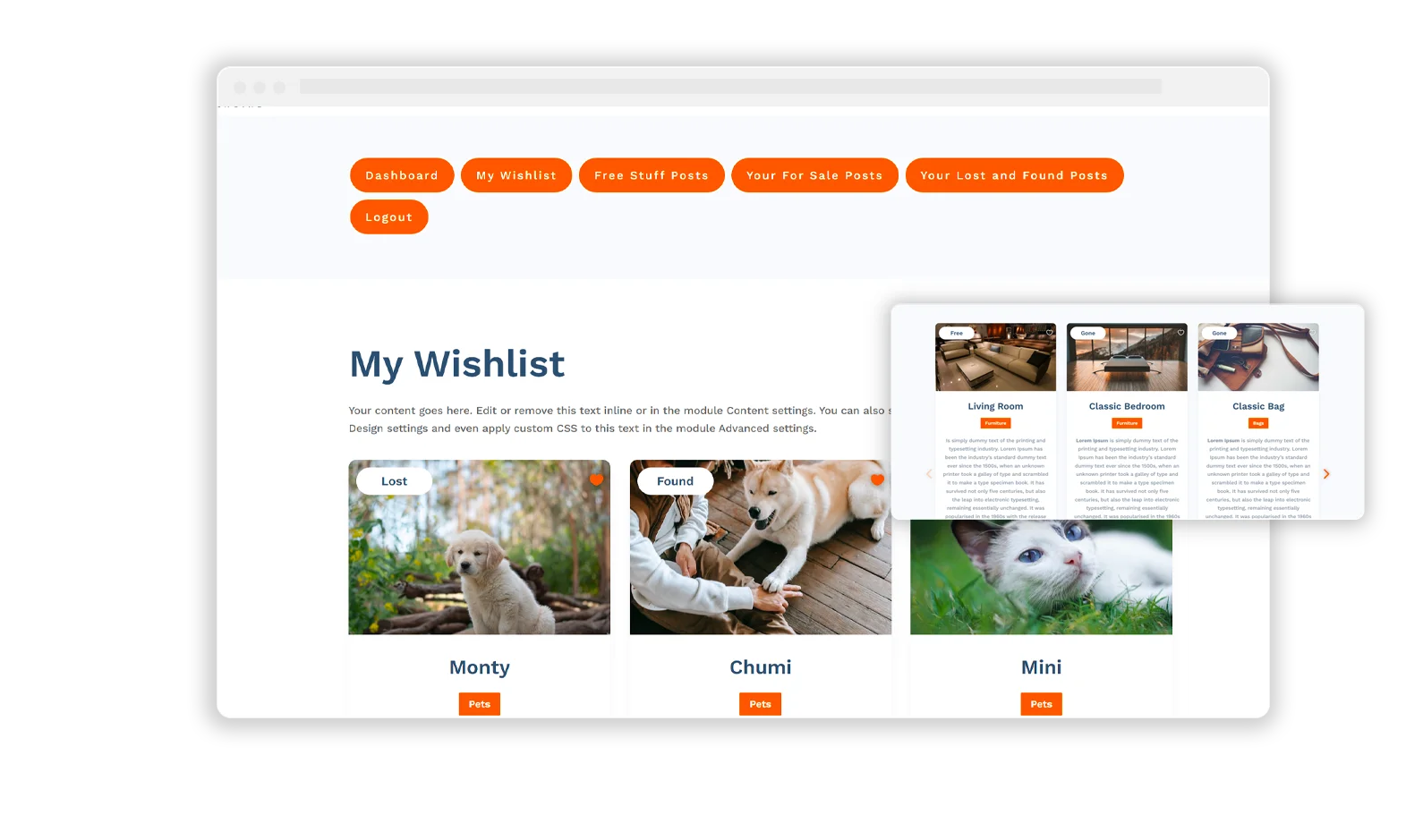
- Divi Machine for dynamic content, custom post type builds, and listing-style sites
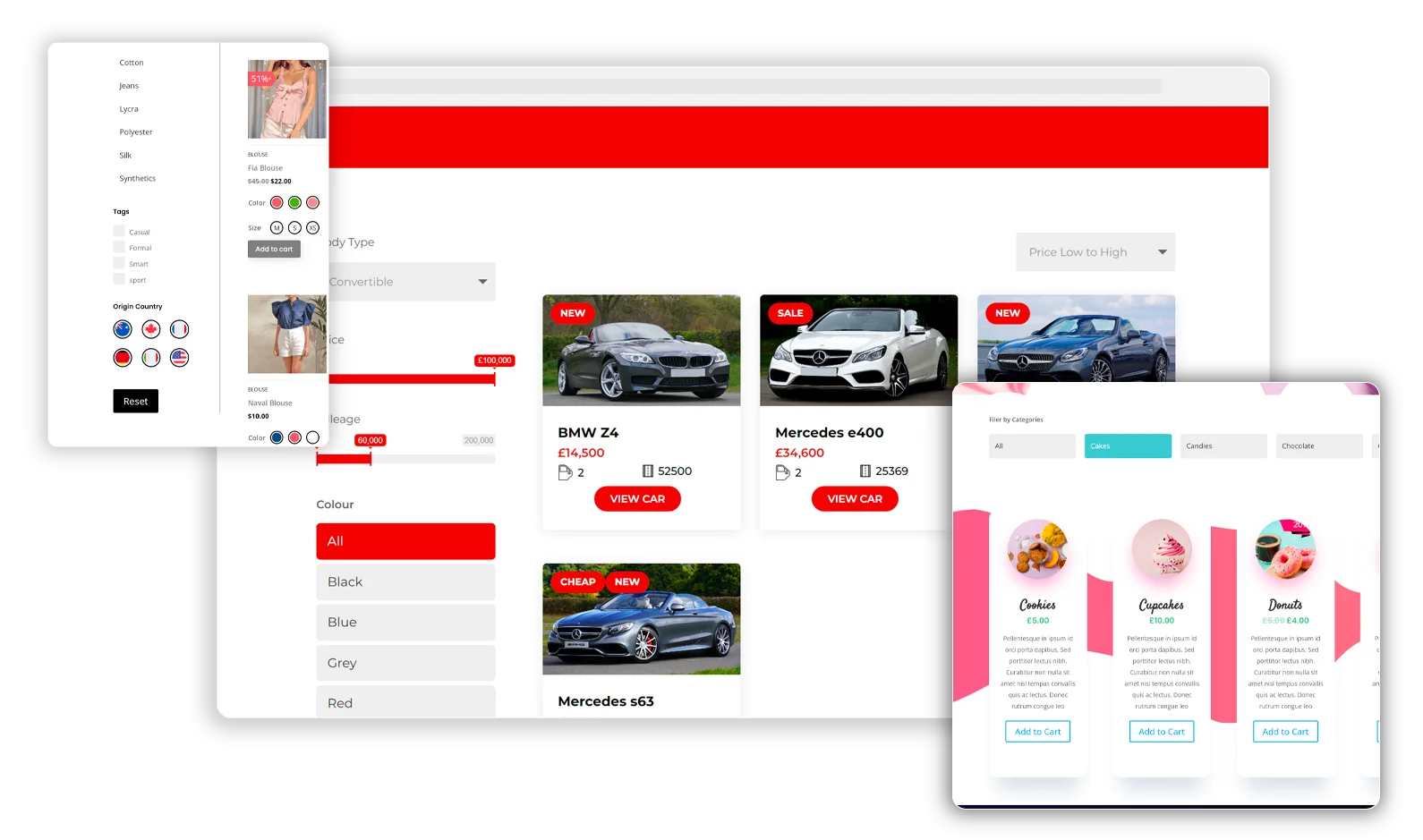
- Divi Ajax Filter for live filtering of WooCommerce products, posts, and custom posts
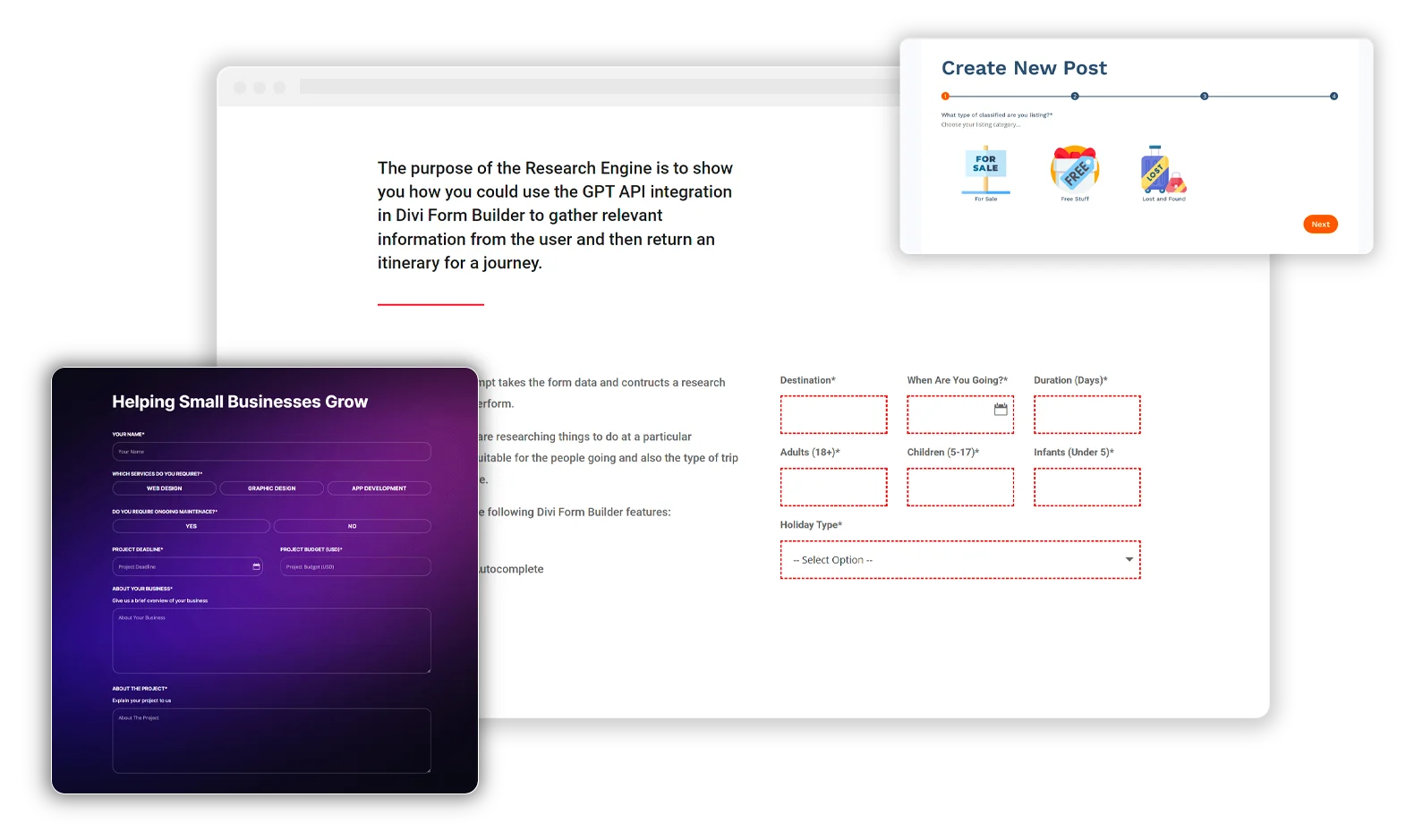
- Divi Form Builder for advanced forms and more flexible front-end data capture
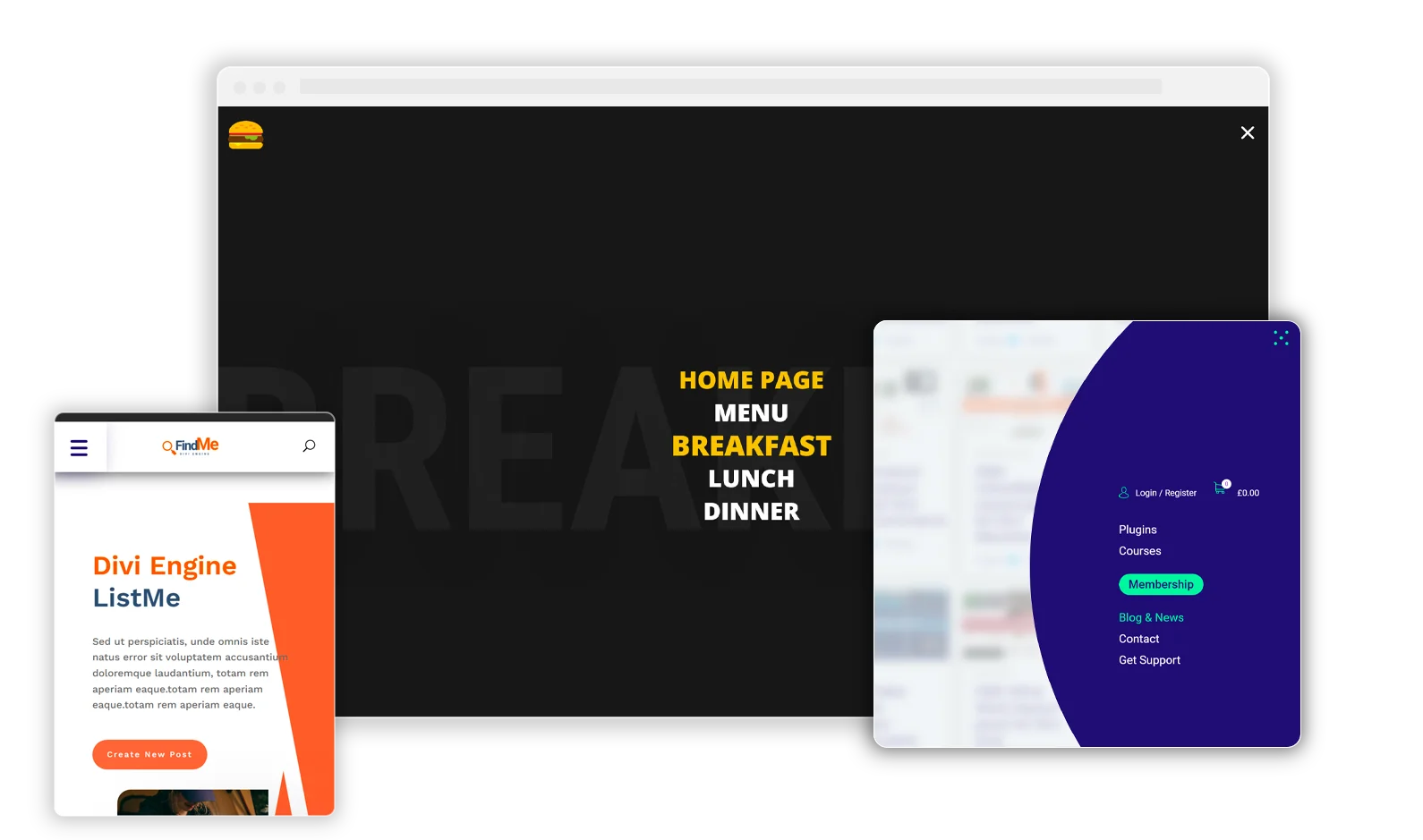
- Divi Mobile for custom mobile menu design without heavy custom code
- Divi Nitro for speed improvements and a better user experience
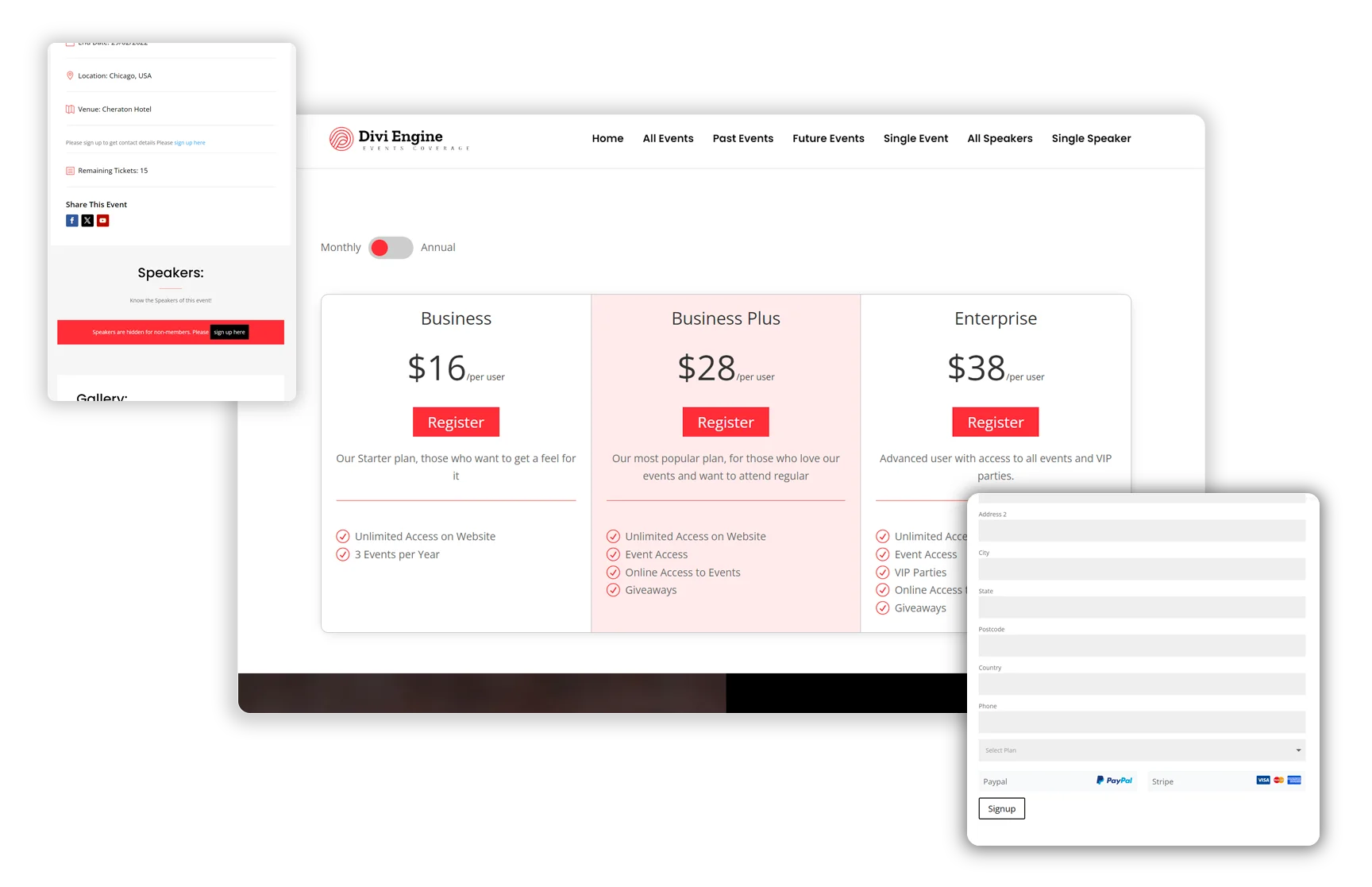
- Divi Protect and other membership-focused tools for gated or restricted content workflows
Pros
- Built for serious Divi use cases: It handles stores, directories, memberships, forms, and dynamic content. So it’s doing a lot more than adding a handful of visual modules, which can really help on client projects.
- Strong WooCommerce depth: If your team builds Divi stores regularly, the WooCommerce tools here can be a real edge over competitors that lean more toward design-focused extras. That comes in handy on product pages, shop layouts, and store filtering. You can also review Divi BodyCommerce Review: Is It Worth It for Woo? for a closer look at those store-building workflows.
- Agency-friendly ecosystem: The product line matches the kind of needs client work actually brings up, where one team might need filtering, forms, mobile menus, and access control across several projects. That’s often one of the main reasons it stands out.
- Good workflow continuity: Since these plugins are built to solve related problems, the setup often feels cleaner than patching together unrelated tools from different vendors. You’ll likely spend less time dealing with workflows that don’t match.
- Practical performance focus: Speed is part of the package too, and that often matters once more advanced Divi sites start getting heavier, especially on content-rich stores or listing sites. Teams focused on optimization may also want to read the Comprehensive Guide to Optimizing Divi Nitro with Caching Plugins in 2026.
Who It’s For
Divi Engine works well for WordPress developers, freelance builders, and digital agencies that regularly build custom Divi sites for clients. It’s especially useful when a project includes WooCommerce, dynamic listings, gated content, or front-end features that the base builder doesn’t handle all that well on its own. If your team wants flexibility without having to keep hopping between separate tools, it’s often a solid fit.
Unique Value Proposition
What sets Divi Engine apart is the range it covers without losing its clear focus on Divi. Some plugin brands mainly add design modules, and others are very good at solving one technical problem. Divi Engine, though, covers several of the bigger gaps Divi teams often hit: advanced e-commerce control, dynamic content structures, filtering, forms, mobile navigation, site speed, and protected content.
So it’s not just about getting more modules. The real advantage is having a toolkit shaped around how modern Divi sites are built and managed day to day, not just at launch. For teams that want fewer compatibility issues but still need room for different kinds of projects, that can matter a lot. That’s where Divi Engine often pulls ahead of narrower add-on packs.
Real World Use Case
A small agency building a WooCommerce site with a private wholesale area, AJAX product filtering, custom forms, and an improved mobile menu can keep that whole workflow inside the Divi Engine ecosystem. That can mean fewer tools to juggle, faster setup, and a site that’s easier to maintain after launch. In a case like that, the practical result is usually less mess and probably fewer plugin conflicts too. For teams comparing filtering options, the Divi Ajax Filter Review: Pros, Cons, and Best Uses offers additional context.
Website: https://diviengine.com/
If you want a quick visual refresher before choosing a stack, especially when you’re comparing a few options, this kind of walkthrough can help show how advanced Divi workflows fit together.
2. Pee-Aye Creative
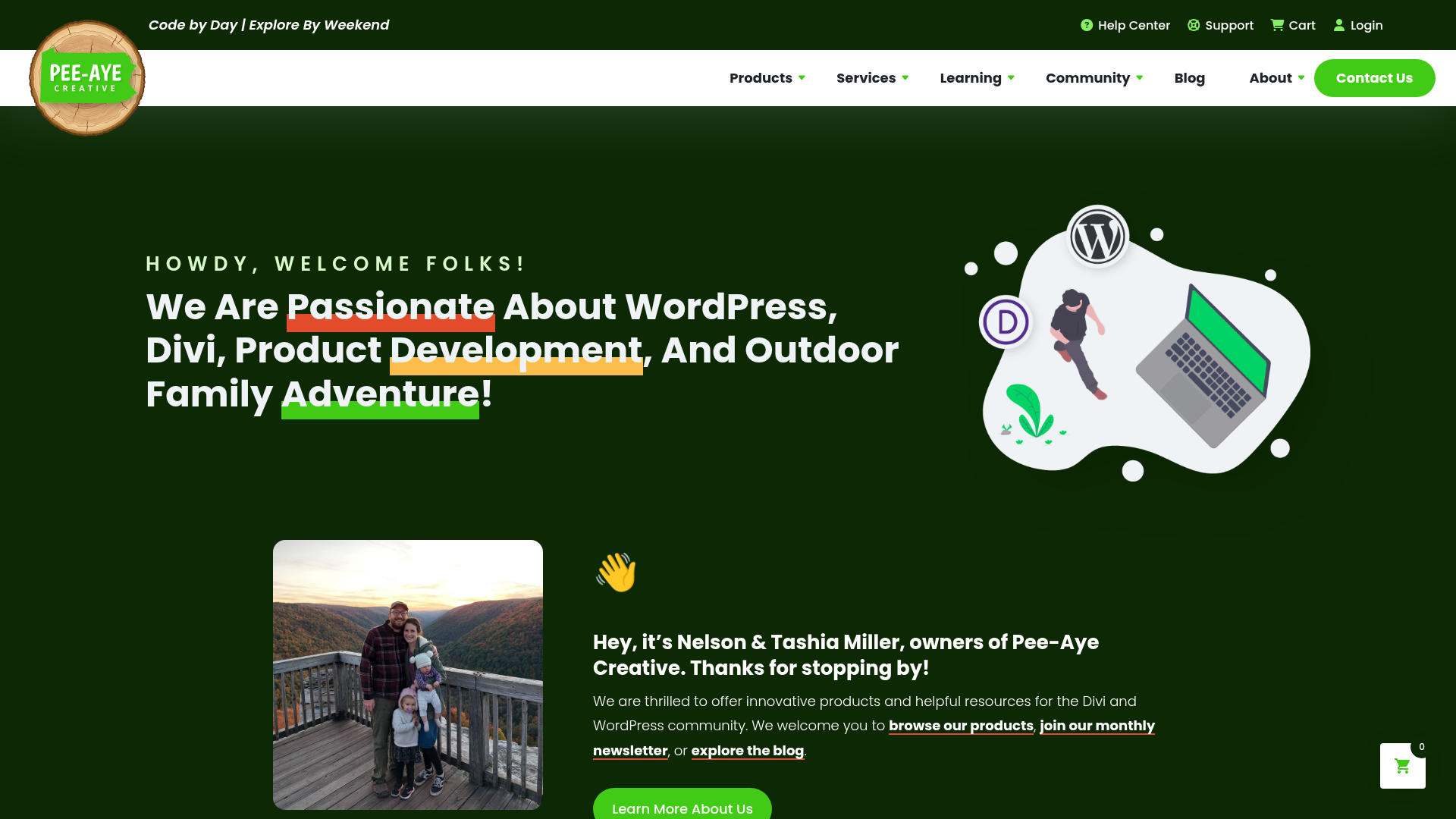
At a Glance
If you want practical Divi upgrades, Pee-Aye Creative is a good fit, especially for builder usability, admin convenience, and smaller front-end tweaks. The lineup includes tools such as Divi Assistant, Divi Carousel Maker, Divi Builder Experience Helper, and the free Divi Migration Helper. That gives freelancers and agencies a useful middle ground: targeted improvements instead of one big plugin suite, which often isn’t necessary for every project. The brand stays closely centered on Divi, so the tools usually feel built around the Divi builder and admin workflow rather than like general WordPress add-ons.
Core Features
- Divi Assistant for workflow and admin improvements
- Divi Carousel Maker for slider and carousel layouts
- Divi Builder Experience Helper for editor quality-of-life upgrades
- Divi Migration Helper as a free utility tool
- A mix of free and premium Divi add-ons with a clear focus on builder convenience and UI improvements
Pros
- Divi-only focus: These tools are built for Divi users specifically, not a broad WordPress audience.
- Useful workflow helpers: They can smooth out rough areas in the builder experience.
- Lower entry pricing on some tools: Smaller plugins may cost less upfront.
- Free utility options: Handy when one specific fix is needed without a major spend.
- Good modular choice: It’s possible to buy only the tools that fit the work.
Cons
- Can require multiple purchases: If several plugins are needed, costs can add up.
- Less unified than a platform-style ecosystem: The lineup is useful, but it can feel a bit more piecemeal.
- Some products are niche: Some tools just won’t matter for every agency workflow.
Who It’s For
Pee-Aye Creative makes sense for Divi users who want a better builder experience, a few specific front-end features, or help with certain workflow issues without paying for a large all-in-one package. It’s especially practical for freelancers working across small to mid-sized client builds, where little time-savers can really add up over time.
Unique Value Proposition
Its biggest strength is modular practicality. Pee-Aye Creative gives Divi users smaller, focused tools that can improve everyday work. If the main need is builder convenience, migration support, or a design feature like carousels, this narrower approach may work better than a heavier suite. In many cases, that’s probably the main reason to choose it: the setup lets users pick the exact tool they need instead of paying for a broader package they may not end up using.
Workflow considerations for smaller Divi projects
Freelancers who work on lower-maintenance websites often prefer modular purchases because they can keep recurring software costs lower. That approach also makes it easier to avoid loading a client site with features that will never get used. In many situations, that simplicity becomes a real advantage after launch.
Some users also combine these smaller workflow helpers with tutorials such as Essential Divi Builder Features You Might Not Know to improve the editing experience without changing their entire stack.
Pricing: Divi Builder Experience Helper from $29/year; Divi Assistant from $69/year; Divi Carousel Maker from $29/year; Divi Migration Helper free/donation
Website: https://www.peeayecreative.com/
3. Divi Flash
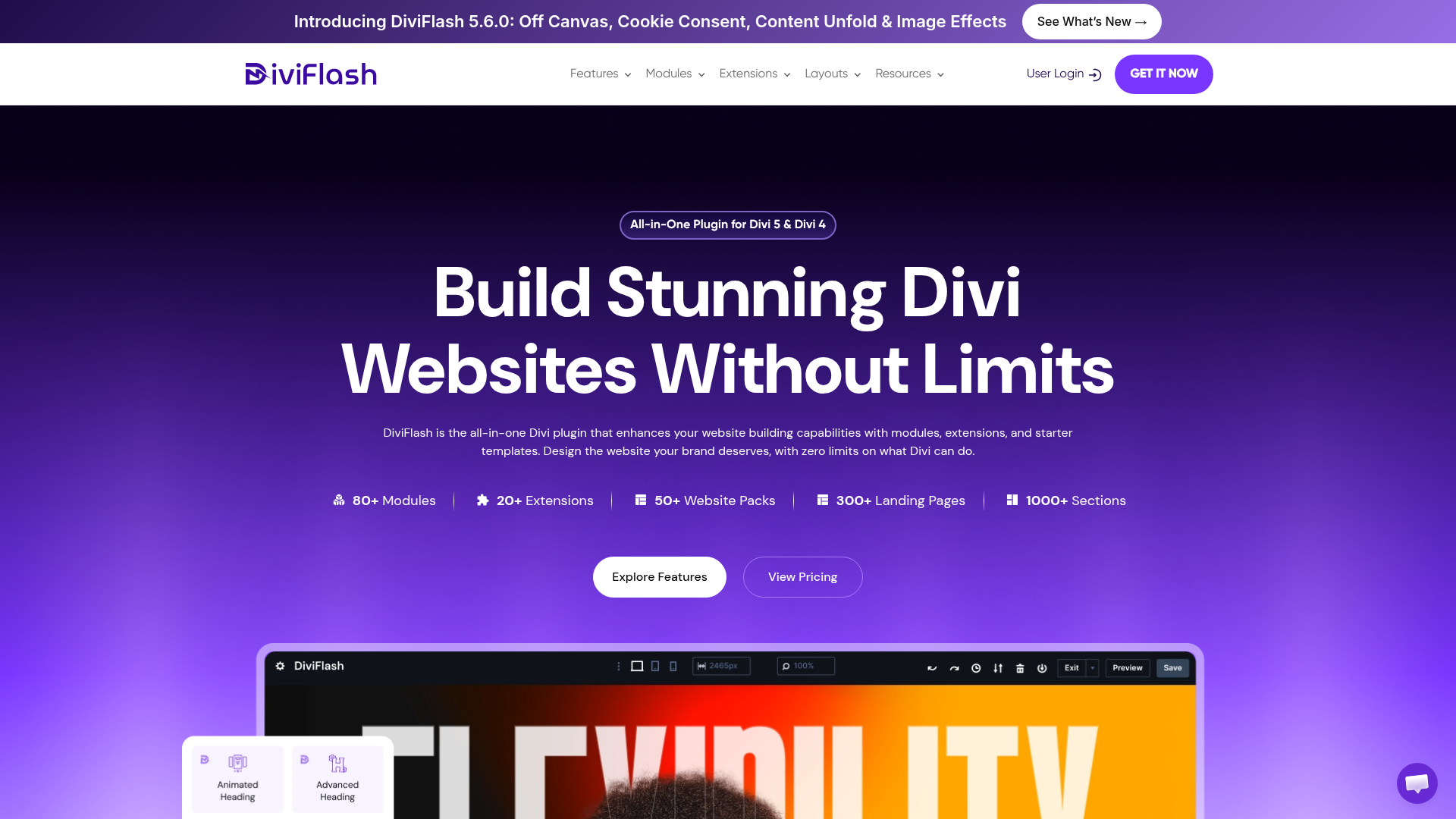
At a Glance
Divi Flash is mostly known as a broad, all-in-one Divi extension suite. Based on reviewed source summaries, it includes 60+ premium modules, 15+ extensions, 40+ layout packs, and 800+ section designs. That’s a lot in one package, and likely more than some people expect at first. It gives designers plenty to work with from a single purchase. It’s one of the better-known options for teams that want strong design flexibility, WooCommerce support, visual modules, and fewer small plugins layered on top of each other.
Core Features
- 60+ premium Divi modules
- 15+ extensions
- 40+ layout packs
- 800+ prebuilt section designs
- WooCommerce-oriented design tools
- Modules for galleries, carousels, mega menus, and advanced layouts
What really defines Divi Flash is how much it packs in, so it usually makes more sense to judge it on overall range rather than on one narrow feature like you might with other tools.
<DataTable
headers={[“Plugin Brand”, “Premium Modules”, “Extensions”, “Layout Packs”, “Section Designs”, “Public Starting Price”]}
rows={[[“Divi Flash”,“60+”,“15+”,“40+”,“800+”,“$89 one-time”],[“Pee-Aye Creative”,“, “,”, “,”, “,”, “,”,”$29/year"],[“Divi Life”,", “,”, “,”, “,”, “,”, "]]}
caption=“Publicly surfaced numeric comparison points from reviewed sources”
source=“Reviewed competitor source set”
sourceUrl=“https://crocoblock.com/blog/best-divi-plugins-for-content-filters-search”
/>
That scale is a big part of why Divi Flash stands out when visual variety matters most. It also helps explain why some users might feel it’s more than they need, which is fair for simpler projects.
Pros
- Huge feature breadth: It handles a lot of layout and module needs in one plugin.
- Good value for agencies: The one-time pricing is a good fit for unlimited website use.
- Strong design flexibility: It works well for creative builds, promotional sites, and more custom page layouts.
- Wide WooCommerce support: It’s useful when store pages need richer visual treatment, especially product and shop layouts.
- Reduces plugin stacking: One larger extension can take the place of several smaller add-ons.
Cons
- Can feel oversized for simple sites: Some projects just don’t need this many modules.
- More to manage conceptually: Big all-in-one tools can add admin complexity, especially for teams that like to keep things lean.
- Performance tuning may need care: With bigger feature sets, production sites often need a bit more discipline.
Who It’s For
Divi Flash is a strong fit for web designers and agencies that want one broad toolkit for a wide mix of front-end effects and modules. It’s especially useful when visual variety matters more than deep specialization in areas like membership flows or dynamic content architecture. Teams building many different client sites will often notice that convenience pretty quickly.
Unique Value Proposition
The main draw is pretty straightforward: it puts a lot of design power in one package. If you want lots of modules, layout assets, and visual building blocks without having to shop across many vendors, Divi Flash gives you that convenience. For designers building lots of marketing sites, that can save time and make setup a bit easier.
Managing larger all-in-one plugin suites
A broader toolkit can reduce plugin sprawl, but it also means teams should be selective about which modules they actually enable. On larger client sites, performance reviews and staging tests become more important because there are simply more features available.
For agencies moving WooCommerce projects into Divi-based workflows, resources like Migrating WooCommerce Templates to Divi: A Comprehensive Guide can help simplify planning before launch.
Pricing: $89 one-time payment for unlimited website usage with 1 year of support and updates
Website: https://diviflash.com/
4. Divi Life
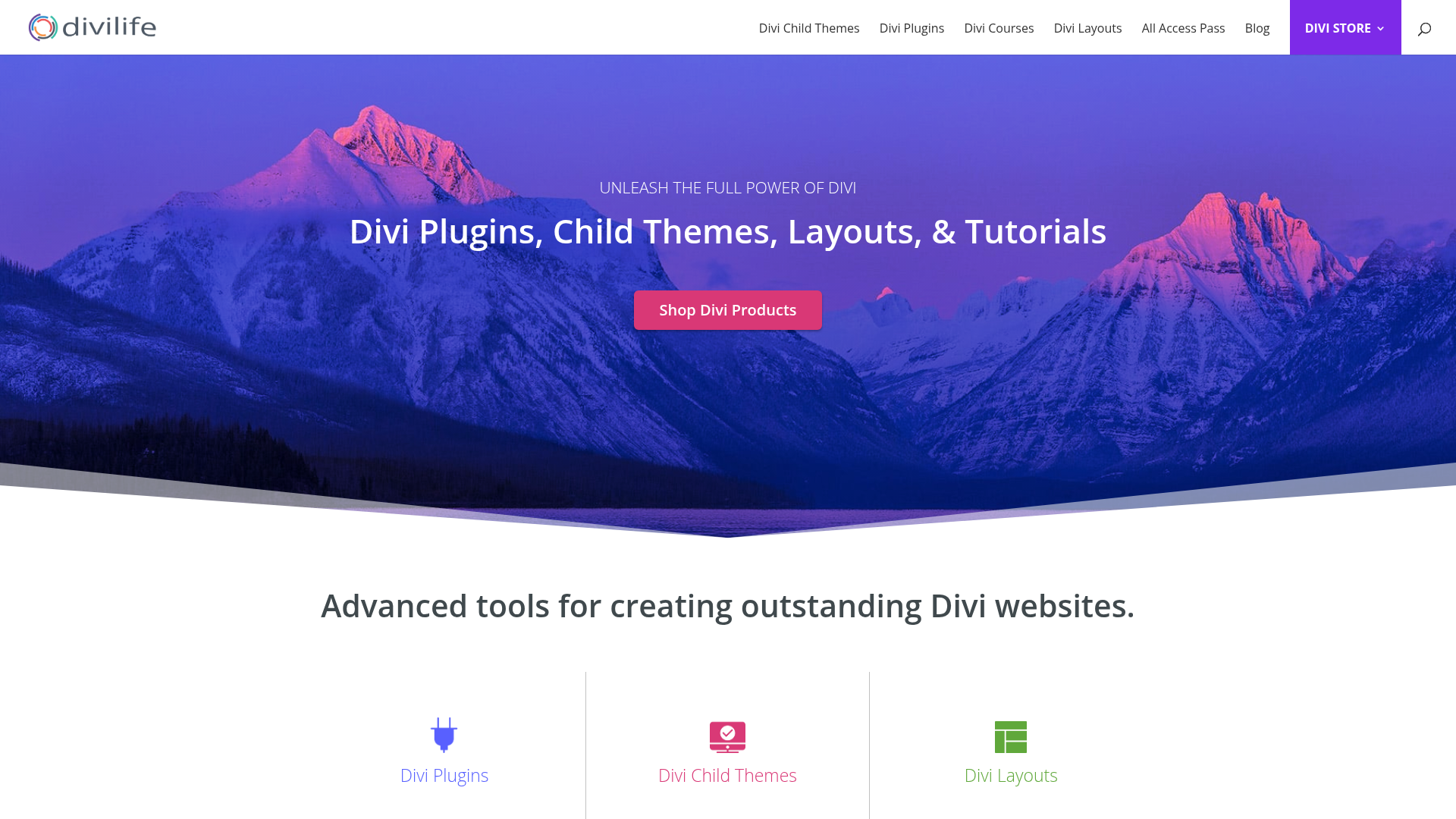
At a Glance
Divi Life has been a familiar name in the Divi ecosystem for a long time. Rather than packing everything into a single all-in-one suite, it splits things into a solid set of more focused tools, which can be easier to manage on real projects. The lineup covers Divi Modules Pro, Divi Overlays, Divi Mega Pro, Divi Hacks, Divi Bars, and Divi Dashboard. So users get plenty to choose from without ending up with features they might not use. It’s also simpler to match the tool to the job, whether that means popups, mega menus, admin customization, extra design modules, or backend tweaks.
Core Features
- Divi Modules Pro adds extra modules
- Divi Overlays is made for popup-style experiences
- Divi Mega Pro is available for more advanced menu builds
- Divi Hacks helps with customization shortcuts
- Divi Bars is made for announcement and promo bars
- Divi Dashboard improves the backend and admin area
Pros
- Established ecosystem: It’s well known among long-time Divi users.
- Targeted plugin lineup: Choosing tools by function is fairly simple.
- Useful for client UX touches: Popups, bars, menus, and admin tweaks are all practical additions.
- Good agency flexibility: Teams can mix tools based on what each project actually needs, which is often very convenient.
- Strong niche coverage: This is especially useful for users who want focused upgrades instead of one oversized bundle.
Cons
- Pricing is less consolidated: From the reviewed source set, it’s not as easy to compare the total cost quickly.
- May require several plugins: On larger builds, things can start to feel a little scattered.
- Decision-making takes more effort: Buyers may need extra time to figure out the right combination.
Who It’s For
Divi Life works well for agencies and freelancers who already know the kind of enhancement they want and prefer a selection of specialized add-ons. It’s especially practical for projects focused more on front-end UX touches and backend customization, rather than depending on a single all-in-one approach or one deeply integrated platform.
Unique Value Proposition
Divi Life’s biggest strength is the amount of choice it gives users. It doesn’t push one plugin that tries to do everything, and here that’s often a real advantage. Instead, teams get access to a broader ecosystem of focused products. In many cases, this setup works especially well for experienced Divi users who want to build their own stack around menus, overlays, bars, admin experience, and design modules.
Choosing focused tools instead of one platform
Some experienced developers prefer picking individual plugins because they already know exactly which functions they need. That can be useful when maintaining long-running client sites where changing the entire workflow would create unnecessary retraining or redesign work.
Navigation-heavy projects may also benefit from resources like Exploring Divi Mega Menu: Enhancing Navigation for Your Site, especially when mobile usability and layered menus are important.
Website: https://divilife.com
How to choose the best Divi plugin for your workflow
Which Divi plugins make the most sense really comes down to the kinds of sites you build most often.
If you’re building advanced stores, member areas, forms, dynamic listings, or projects where performance matters a lot, Divi Engine is probably the closest overall fit. Pee-Aye Creative is often a good match for workflow tweaks and the small daily improvements that build up over time. Divi Flash makes sense when the goal is getting lots of modules in one purchase, along with more visual variety. And if you would rather choose specialized tools one by one, Divi Life is a sensible option.
One simple way to decide is to match each plugin brand to the problems that come up most often, since that’s usually the clearest shortcut:
- WooCommerce-heavy agency work: Divi Engine
- Builder workflow improvements: Pee-Aye Creative
- High module count, plus more visual variety: Divi Flash
- Targeted UX and admin enhancements: Divi Life
Agencies should also remember that plugin sprawl can quietly become a hidden cost. Every extra vendor can mean one more support process, update cycle, compatibility check, and a bit more handoff explanation for team members or clients. That’s why platform-style ecosystems often make more sense over the long term. They usually cut down the number of moving parts you have to manage, which can make updates and support a little easier.
Ready for a smarter Divi stack with top Divi plugins?
Picking from the top Divi plugins usually means finding ways to make the site-building process smoother. You want fewer workarounds, less time wasted on plugin conflicts, and better results for clients without rebuilding the same solution again and again. In a lot of projects, the real challenge is simply keeping things moving instead of piecing together fixes from three different tools.
That’s also where Divi Engine makes one of the strongest cases. It covers the more advanced things many Divi pros run into after the first few builds: WooCommerce customization, dynamic content structures, AJAX filtering, custom forms, better mobile navigation, protected content, and speed improvements. That kind of work matters on a bigger level, and it often does more for agency or freelance growth than one more small workaround ever could.
When a setup starts to feel patched together, or basic Divi features keep showing their limits, it often makes sense to simplify things with a more capable ecosystem. You can explore the full range of tools at premium Divi plugin platform and see which products work best for your workflow. For many developers and agencies, that can be a practical way to build more advanced Divi sites with less friction.
Frequently asked questions
What should I look for when choosing a Divi plugin?
Begin with the specific job the plugin has to handle. Make sure it works with your Divi version, then check its update history, support quality, and performance impact. It should fix a real workflow problem, not just add another feature. Pick tools that suit your long-term stack rather than one-off add-ons you’ll swap out later.
Are all Divi plugins mainly for design features?
No. Some put design first, but a lot of the most useful ones are really about the job they handle. Divi Engine, for example, is more useful for teams that are building stores, dynamic listings, forms, filtering systems, and member areas than for teams that just want visual effects.
How much do Divi plugins usually cost?
Prices can be pretty different from one tool to the next. Some niche tools begin at $29/year; others are pricier or stick to a one-time fee.
In the reviewed source set, Pee-Aye Creative offers products starting at $29/year. Divi Flash shows $89 one-time for unlimited sites, plus a year of support and updates.
How do I know if a Divi plugin is worth adding to my stack?
Use a plugin when it saves time, removes custom code you keep writing again, improves client results, or lets you swap out several weaker tools. Try it on staging first, and don’t overcomplicate it.
Also see how often you’d use it across projects and whether it makes handoff and maintenance workflows easier to manage. Keep it practical.
Which businesses benefit most from advanced Divi plugins?
Agencies, freelance WordPress developers, e-commerce teams, membership site owners, and businesses running content-heavy sites tend to get the most out of it. Put simply, when a site’s structure or conversion flow gets more complicated, plugins for filtering, forms, mobile UX, dynamic content, and WooCommerce matter more.
Is it better to use one ecosystem or mix plugins from several brands?
It really depends on what you need, but as projects get more complex, many teams end up moving to a more unified setup. If you use a vendor like Divi Engine for several major functions, you can cut down on compatibility headaches and make support simpler. A mixed stack can still work well when there are very specific feature gaps.























0 Comments