
TLDR; Start with WordPress roles. Then restrict builder access with Divi’s Role Editor. Lock global modules, Theme Builder templates, the Design and Advanced tabs, portability tools, and plugin or theme settings first.
Keep content editing, layout editing, and global architecture separate for developers, designers, clients, and contributors. Give the least access needed. Avoid blanket Administrator accounts. Test every role with non-admin users and audit permissions regularly to cut mistakes, security risk, and client support issues.
If you build and manage client sites with Divi, role-based access control shapes your whole workflow. One wrong click from a client, editor, or junior team member can change a global module, break a template, or expose settings they should never touch. Role-based access matters a lot in Divi.
Give each person enough access to do their job without letting them damage layout structure, global design rules, or site settings. In practice, teams use WordPress roles as the base layer, then Divi’s role-based access tools as the second layer. Together, those two layers create stronger control for content editing, client handoff, and long-term site management.
This guide explains the practical way to handle it. It shows how WordPress roles and Divi permissions work together, which areas need the most protection, how agencies can set up clean access patterns, and which mistakes to avoid. For brochure sites, WooCommerce builds, member areas, or content-heavy Divi projects, clearer access rules save time and reduce risk.
Why Divi role-based access matters more than most teams think
Role-based access does more than just keep clients out of the Design tab. It shapes site security, change management, and the way daily work happens. WordPress powers 43.4% of all websites and 61.3% of sites using a known CMS, based on figures published on April 17, 2025 (WordPress.com). That kind of reach is massive. It also makes WordPress sites an obvious target and a serious responsibility.
Patchstack reported 7,966 new WordPress ecosystem vulnerabilities in 2024, and 96% of them affected plugins. In the first half of 2025 alone, it found 6,700 more, with 41% considered exploitable in real-world attacks (Patchstack, Patchstack). That lands close to home for Divi teams. Many sites depend on a plugin-heavy stack.
| Metric | Value | Period |
|---|---|---|
| WordPress share of all websites | 43.4% | April 17, 2025 |
| New WP ecosystem vulnerabilities | 7,966 | Full year 2024 |
| Plugin share of 2024 vulnerabilities | 96% | Full year 2024 |
| New WP ecosystem vulnerabilities | 6,700 | H1 2025 |
| Exploitable vulnerabilities | 41% | H1 2025 |
When teams hand out admin-level access to more people than really need it, the site has more ways to break. Simple as that. A careful permissions model helps lower that risk. WordPress developer guidance says teams should build capability checks and least privilege into the process, rather than leaving them as an afterthought (WordPress Developer Resources).
Start with WordPress roles, then add Divi controls
A common mistake is to treat Divi permissions as the full fix. They’re not. WordPress roles and capabilities should always come first because they set the base layer for access across the whole site. Start there.
WordPress includes 6 predefined roles: Super Admin, Administrator, Editor, Author, Contributor and Subscriber (WordPress Developer Resources). Those roles manage broad site access.
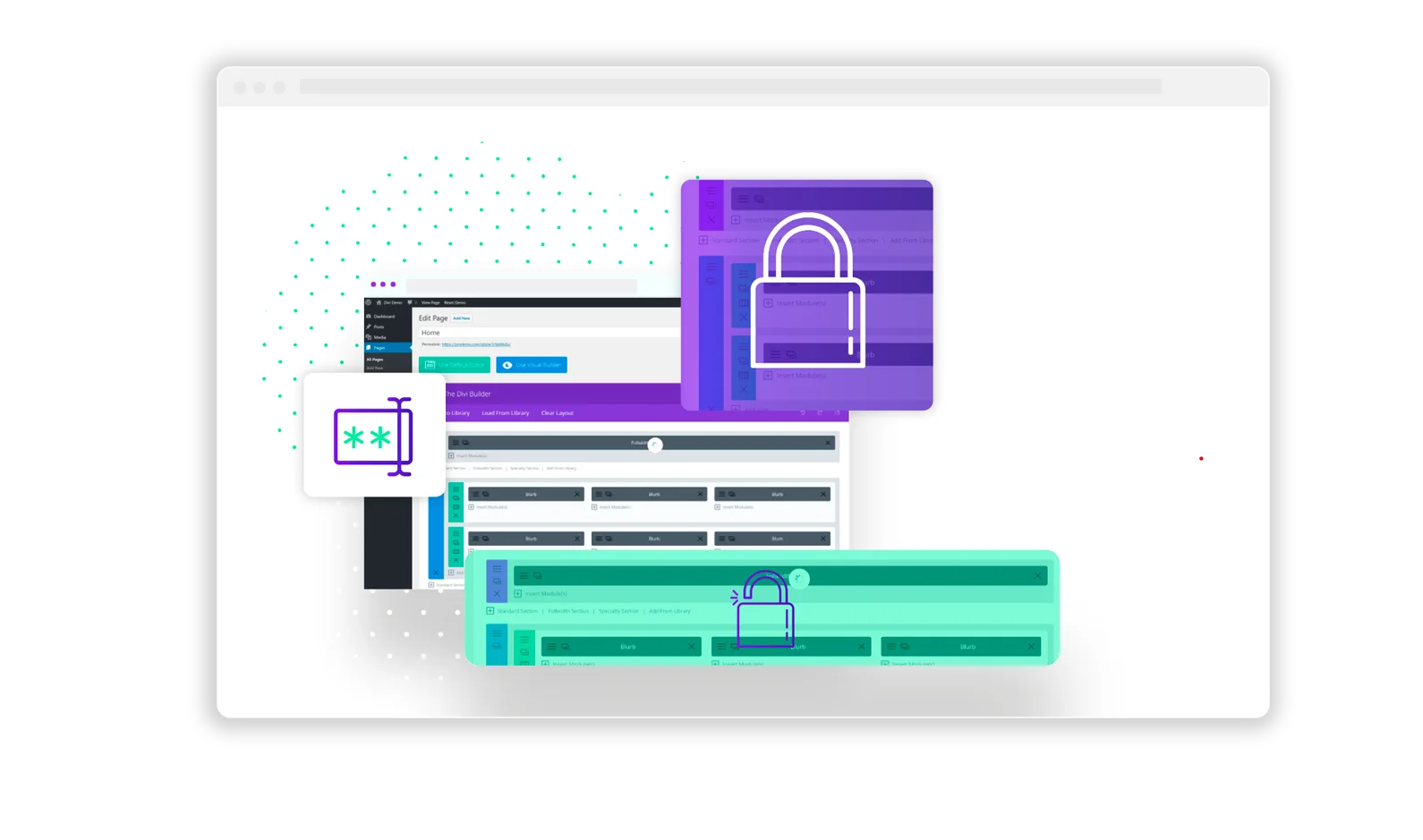
Divi comes next. Divi 5 Role Editor gives role-based control for roles like Administrator, Editor, Author, Contributor and WooCommerce Shop Manager. It helps tighten what people can do inside the builder itself instead of just managing access through WordPress admin.
Here’s the basic idea:
Layer 1: WordPress controls site-wide access
- Who can publish posts
- Who can install plugins
- Who manages users
- Who can change settings
Layer 2: Divi decides builder-level authority
- Who can edit layout structure
- Who can open Design and Advanced tabs
- Who can edit modules
- Who can access Divi Library and global items
- Who can use portability or import/export tools
Divi’s layered controls are very helpful during client handoff. A client may need to update text, images, and blog posts, but still should not touch row structure, advanced CSS fields, or theme options.
If gated areas are also part of the plan, Divi’s builder-level controls fit well alongside the membership workflows discussed in this guide to launching a members-only area with Divi Membership and Divi Membership for course sites.
The Divi areas you should lock down first
Some settings carry more risk than others. A few are simple. Others can change the whole site in seconds. Elegant Themes documentation says Divi Role Editor can limit access to builder features, settings tabs, modules, Divi Library items, global modules, theme options, page layout editing tools and portability tools.
That gives agencies plenty of room to build safer control systems.
In most cases, these areas carry the highest risk:
Global Divi modules and library items
A change here can affect many pages, and if a client accidentally edits a global CTA, header section, or saved testimonial block, that problem can spread across the whole site fast.
Theme Builder areas
Recent Divi 5 guidance on editable Theme Builder areas makes this even more important. Teams should protect headers, footers, product templates, and archive layouts unless someone truly owns those global design decisions (Elegant Themes).
Design and Advanced tabs
Editors can run into problems here. A well-meaning editor might change spacing, sizing, motion, visibility, or custom CSS, then cause visual issues that are really hard to trace later.
Portability and import/export tools
These tools help developers a lot, but for everyday users they can be risky, and one bad import can quickly overwrite work. Easy to miss.
Theme options and plugin settings
Plugin vulnerabilities are still the biggest issue in the WordPress ecosystem, so any role that doesn’t really need plugin access shouldn’t have it. Agencies pair Divi restrictions with tighter admin controls, two-factor authentication, and fewer plugin managers for that reason.
If your site also uses store templates, limit WooCommerce editing with care and keep design governance separate from product content. That’s even more important on builds with custom templates and checkout flows, like the ones covered in this WooCommerce to Divi migration guide. Teams handling custom shop layouts may also want to review the Divi BodyCommerce Review: Is It Worth It for Woo? for additional workflow ideas.
A practical Divi access model for agencies and client teams
The simplest way to use role-based access in Divi is to set up repeatable role patterns. You do not need to rebuild permissions for every site unless a special case comes up. For most agencies, four access types are enough.
Developer or lead admin
This role has full access. They can manage plugins, settings, theme options, portability, templates, and advanced builder controls. Keep this group small.
Designer
This role can build layouts and edit modules, but it shouldn’t handle plugins, users or security settings. On bigger teams, admins may also block access to some global template areas.
Content editor or client
Update copy, images, blog content, and maybe a few selected modules. Nothing else. Leave structure, global items, advanced settings, and site-wide templates alone.
Author or contributor
This role works well in publishing workflows where someone writes content but should not shape the layout architecture.
The main point is simple: keep content editing separate from layout editing, and keep layout editing separate from global architecture. That avoids a lot of client support headaches. Less mess.
A good example is a marketing site with a blog, sales pages, and a members area. The client team handles blog posts and homepage copy, while the designer manages page layouts and the developer controls theme templates, plugin updates, and account settings. Clear lines. Everyone does their part without getting extra power they do not need.
For front-end account areas or user-managed content, products from Divi Engine fit into the wider workflow. They help teams create advanced Divi experiences without turning every user into an admin. On larger content sites, strategies from User-Generated Content Strategies for Your Divi Site can also help separate publishing permissions from design management.
Common RBAC mistakes that create extra work
Most access problems come from a few mistakes that show up again and again.
Giving every client Administrator access
Giving every client Administrator access is still common, and it often leads to cleanup work. It’s not a real handoff plan.
Relying on one role for every client site
Different sites need different limits. A simple brochure site and a membership site shouldn’t use the same permission setup.
Forgetting global design risk
Many agencies protect pages, but miss headers, footers, and global modules. That’s where the biggest risk is.
Skipping audits after team changes
People leave agencies. Client teams change, contractors finish projects, and permissions should change with them. WordPress VIP guidance supports role matrices, least privilege, and access lifecycle management as part of stronger enterprise WordPress practice (WordPress VIP).
Treating access control as a security silver bullet
RBAC helps a lot, but it works best alongside 2FA, strong passwords, login monitoring, regular updates, and keeping plugins to a minimum.
On sites where users submit content or manage information on the front end, keep those permissions separate from backend design access. That split helps avoid mixing publishing workflows with site architecture. Teams using advanced navigation systems can also keep editing permissions cleaner by reviewing approaches in Exploring Divi Mega Menu: Enhancing Navigation for Your Site.
A simple rollout checklist you can use today
To tighten Divi role-based access without making things too complicated, use this checklist.
1. Audit what each user actually needs
List tasks, not job titles. For example, ‘Edits homepage copy’ is more clear than ‘marketing manager’.
2. Assign the right WordPress base role
Use the lowest role that still matches the job.
3. Restrict Divi builder access
Use Divi Role Editor to hide builder features, settings tabs, module controls, library access, and portability tools the user does not need.
4. Protect global and template-level areas first
Start with headers, footers, saved layouts, global modules, and theme options, since those are the riskiest spots.
5. Test with a non-admin account
Always log in as that role, then try real tasks so any gaps show up fast. Simple test.
6. Review after launch
Check permissions after handoff, after new plugin installs, and after client team changes.
Review permissions regularly so clients see fewer confusing options, support stays cleaner, and the back-and-forth around small issues goes down.
For many agencies, that means fewer accidental edits and fewer emergency fixes. It also helps keep the client relationship smoother over the life of the site.
Put safer Divi control systems into practice
Role-based access in Divi helps in real, practical ways. Clients get a simpler editing experience, your design system stays protected, and long-term maintenance becomes easier. WordPress roles handle the broad permissions, while Divi adds tighter control inside the builder. Together, they create control systems that are easier to manage and safer to hand off.
If only a few things stick, start with least privilege. Protect global areas first. Keep plugin and settings access limited, then audit permissions over time so small problems don’t quietly build up and turn into bigger, more annoying issues later. That’s the difference between a site that feels stable and one that keeps breaking in small, frustrating ways.
For Divi agencies, role-based access is one of the highest-value process improvements you can make. It takes little effort. It reduces risk without adding much overhead. Pair it with smart build standards, careful plugin choices, and the right tools from Divi Engine, and both your team and your clients get a better experience.
A cleaner handoff starts with cleaner access.























0 Comments