
TLDR; Use conditional logic, dynamic content, custom loops, and off-canvas layouts to cut manual work and build more scalable, personalized Divi sites. Global presets and Theme Builder keep designs consistent. Responsive controls tighten QA. Role permissions prevent client mistakes.
Divi 5’s rebuilt architecture and AI tools make teams faster and more flexible. Start using these features on every new project.
If you use Divi every week, it’s easy to fall into the same routine: add sections, tweak spacing, save a layout, and move on. It works. For simple builds, that rhythm gets the job done, but some of the best divi builder features still sit just below the surface.
For WordPress developers, web designers, and agencies, those less obvious tools can save hours, reduce client mistakes, and make large sites much easier to manage. Pretty useful. They also help teams create smarter experiences without piling too many extra plugins onto Divi.
Divi now does a lot more than visual page building. It reaches further into full-site templating, dynamic layouts, responsive control, permissions, and workflow tools. Anyone who hasn’t taken a close look at newer Divi workflows may be missing features that directly improve handoff, maintenance, and conversion work.
This guide covers the most useful Divi Builder features that many experienced users still overlook. The focus is on real agency use cases, cleaner build systems, and features that help teams deliver better client sites with less hassle. That matters even more as projects grow, clients need a simpler handoff, and site management starts taking more time than the original build.
Conditional logic and dynamic content in Divi Builder features can replace a lot of manual work
Conditional display logic is one of Divi’s most useful features. Many users still think of Divi as mainly a layout tool, but it also gives site owners real control over when content shows up. Divi can show or hide elements based on user role, device type, date and time range, and even cart status on relevant builds. Pretty useful. That makes it much more practical for personalized pages, limited campaigns, and client-specific user experiences (Elegant Themes).
Dynamic content adds a second layer. Instead of hard-coding text into every module, users can pull content from the WordPress database and reuse layouts across many pages or posts. This helps most with team profiles, locations, service pages, and custom post type projects, where the same structure needs to stay consistent while the content changes. Less repetition.
A large third-party page-builder analysis found that Divi held about 14% of page-builder usage in 2024 and about 10% in 2025. Even so, it still has a strong footprint in a competitive market (Candid Creative). Another dataset looked at 13.5 million websites, and more than 7.1 million of them used one of the top 10 builders. Big scale. Numbers like that make workflow efficiency matter even more (WPoptic).
| Metric | Value | Period |
|---|---|---|
| Divi share among WordPress sites using a page builder | 14% | 2024 |
| Divi share among WordPress sites using a page builder | 10% | 2025 |
| Websites analyzed in builder dataset | 13.5 million | 2025 dataset |
| Sites using one of top 10 builders | 7.1+ million | 2025 dataset |
For agencies, the practical value is simple. They can build one solid layout, connect it to real content, and let the site update itself. That cuts repeat edits and lowers the risk of inconsistency. Teams working on directories can also learn from Divi Machine for Dynamic Directory Sites That Convert.
Global presets and Theme Builder create a real design system
A lot of teams use Divi quickly, but not always in a structured way. That is why global presets and Theme Builder matter more than they seem at first.
Theme Builder does more than handle single pages. Teams can create templates for headers, footers, blog posts, product-related layouts, and other site-wide parts instead of styling every page one by one (Elegant Themes). That makes a big difference. On client sites that keep growing, it matters even more. Once a site reaches 50 pages, manual styling is no longer a real workflow. It turns into debt.
Global presets help teams avoid that. They can set shared styling for buttons, blurbs, forms, headings, and more, then update the preset once and apply that change across the entire site. Agencies sometimes miss this inside Divi Builder features. Even then, global presets can turn a loose page builder into a design system a team can really use.
Here is a simple way to use it in production:
Set up a better Divi Builder features preset workflow
- Create presets for common modules before full page production begins.
- Build your header, footer, and core content templates in Theme Builder.
- Use utility classes and consistent spacing rules with presets.
- Save one-off styling for true exceptions.
A better preset workflow makes QA faster. Client edits stay safer too, because the visual system stays consistent even when content changes.
For a closer look at newer templating workflows, the guide on Divi-5 Loop Builder Explained Simply is a helpful next read.
Teams handling more advanced form projects may also want to review Divi Form Builder Review: Features, Pros and Cons for additional workflow ideas.
Loop building, off-canvas layouts, and split testing are easy to overlook
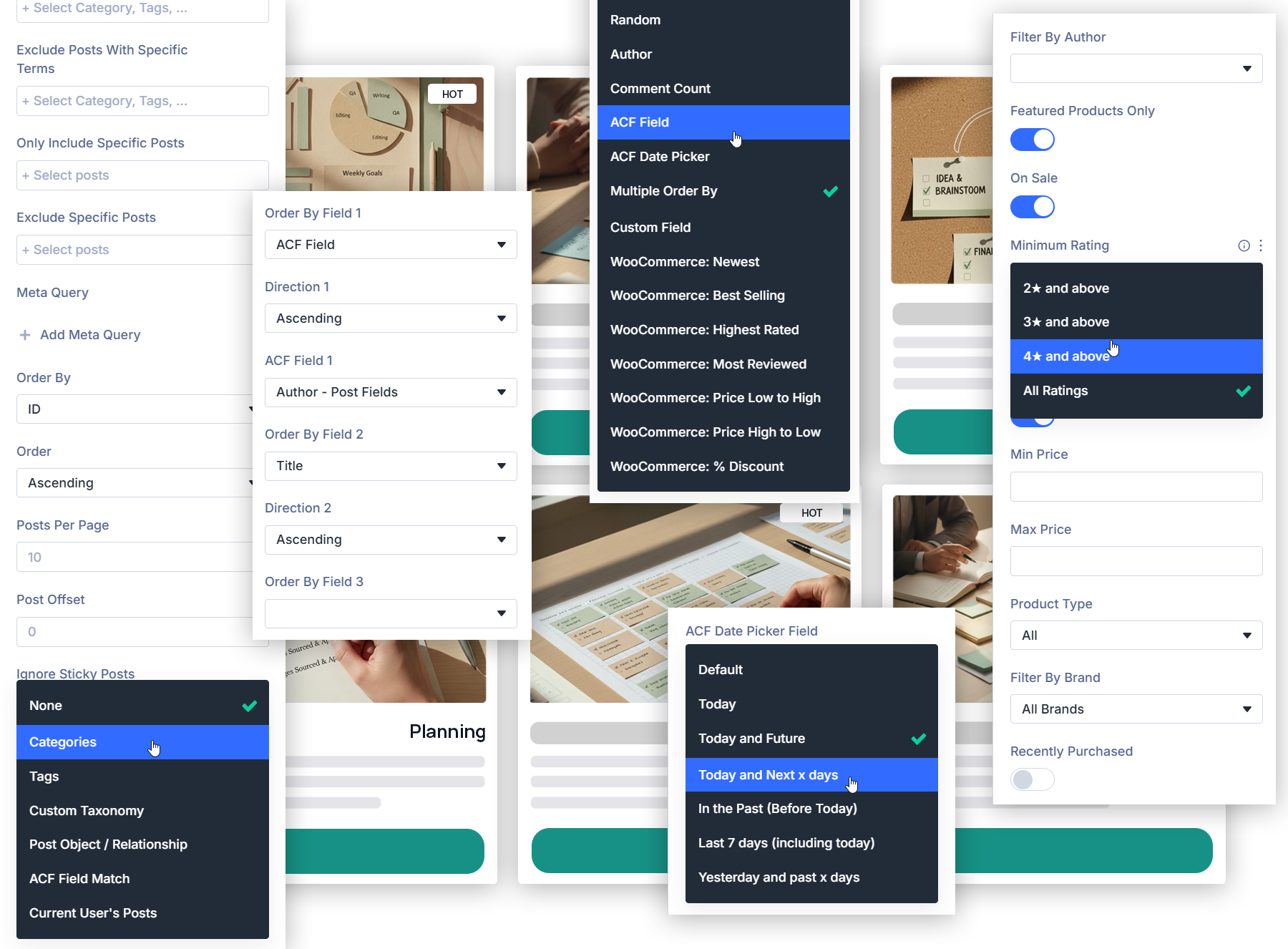
Some Divi users never get past static pages. That can work fine for brochure sites, sure, but it leaves a lot of useful features unused. Divi can build custom loops for posts, terms, and users. Pretty handy. That opens the door to richer archives, directories, resource hubs, and content-heavy client sites (Elegant Themes).
One of the clearest gaps between a basic Divi site and one that can grow shows up here. With a custom loop in place, the designer sets the display once, then lets content fill it in as needed. Much easier. Blog grids, team directories, event lists, and advanced resource sections all stay cleaner as the site expands.
Off-canvas content is another feature people miss. It does more than handle mobile menus. Teams can use it for popups, hidden promos, support panels, staged calls to action, and alternate content states. When used well, it keeps the main layout cleaner while still giving visitors useful paths to follow.
Split testing fits into the same conversation. A lot of people still do not realize Divi includes testing tools that support conversion work. For agencies running landing pages, lead gen pages, or product-focused campaigns, that is a real built-in advantage. They can test headlines, button text, and layout changes without adding a separate optimization platform right away (WP Zone).
The main mistake is overbuilding. Not every site needs loops or hidden panels. Still, projects with repeatable content or active campaign testing can get a lighter stack and a simpler workflow by using these features.
For more form-specific optimization ideas, see Divi Form Builder for High-Converting Forms. Teams building more advanced lead funnels can also explore Divi Form Builder for Multi-Step Lead Capture Forms.
Responsive controls and permissions make handoff much safer
A flashy layout doesn’t mean much if it breaks on real devices or if a client can accidentally mess it up. Two less obvious Divi strengths help here: responsive editing and role controls. Small features, big difference.
Divi includes responsive editing with 7 predefined breakpoints, plus the option to work with customizable breakpoint widths in newer workflows (Elegant Themes). That gives teams more control than the usual desktop-tablet-phone mindset. For agencies, that matters because client traffic almost never falls into three neat buckets.
The bigger win is in the workflow. Pair responsive controls with a solid review checklist and QA gets more dependable. Teams can catch awkward stacks, oversized headings, and broken spacing before launch instead of after, and not from client screenshots once the site is already live.
Permissions matter just as much. Divi includes a Role Editor, and ongoing release updates show continued improvement around role-based restrictions in the builder (Elegant Themes). Teams can hide settings clients don’t need, which lowers editing risk and helps keep complex layouts intact.
Responsive controls protect the user experience. Permissions protect the build. Together, that makes handoff easier and a lot safer. For a deeper look at permissions, see How to Effectively Use Role-Based Access Control in Divi.
Divi 5 adds developer-friendly power that many legacy users miss
A lot of long-time users still view Divi through its older architecture, so some of its biggest newer features get missed.
Elegant Themes rebuilt the foundation in Divi 5, replacing the older shortcode-based setup with a newer system and a new API path for custom modules and integrations (Elegant Themes). For developers, that’s more than a technical detail. It affects maintainability, extensibility, and the long-term health of custom client work.
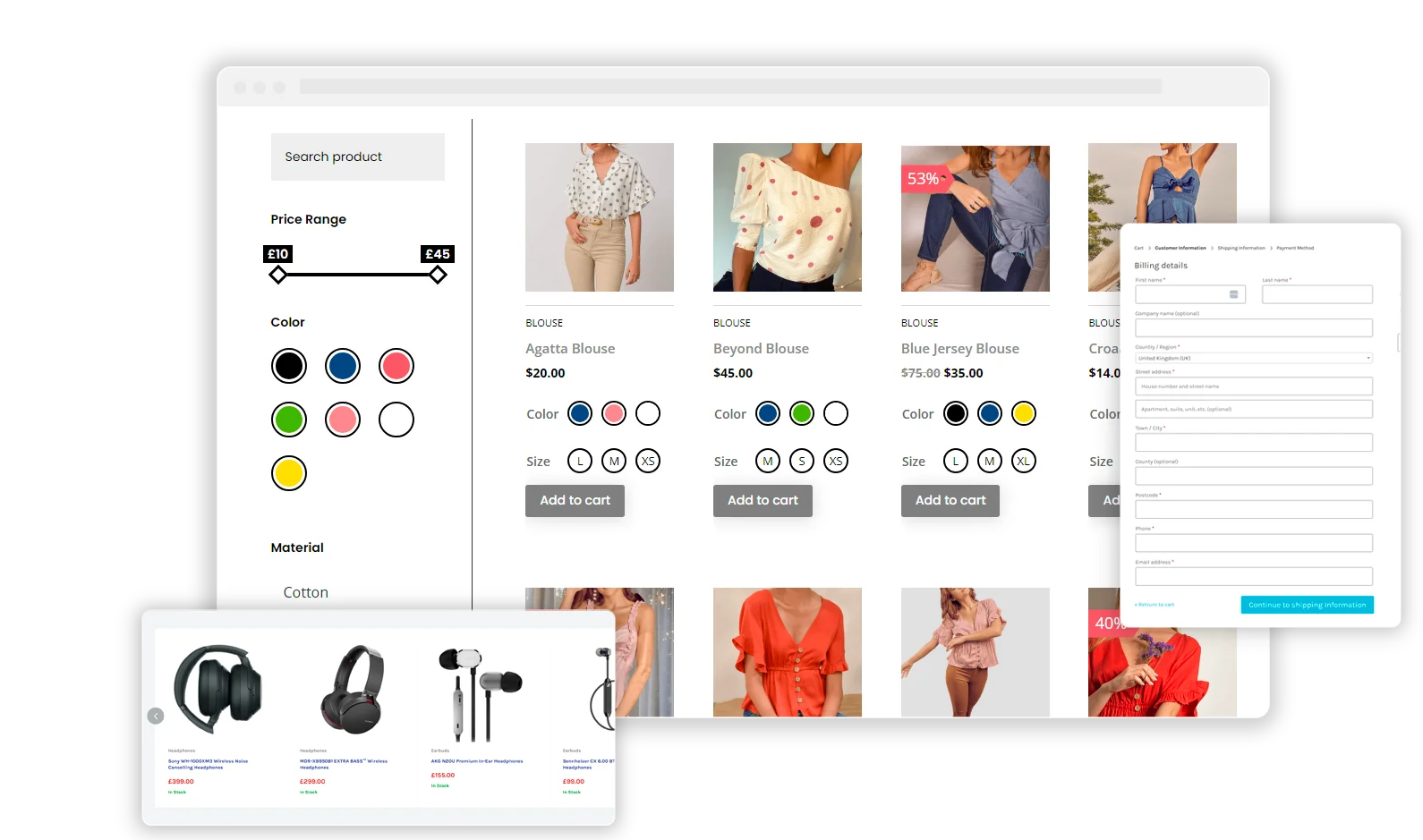
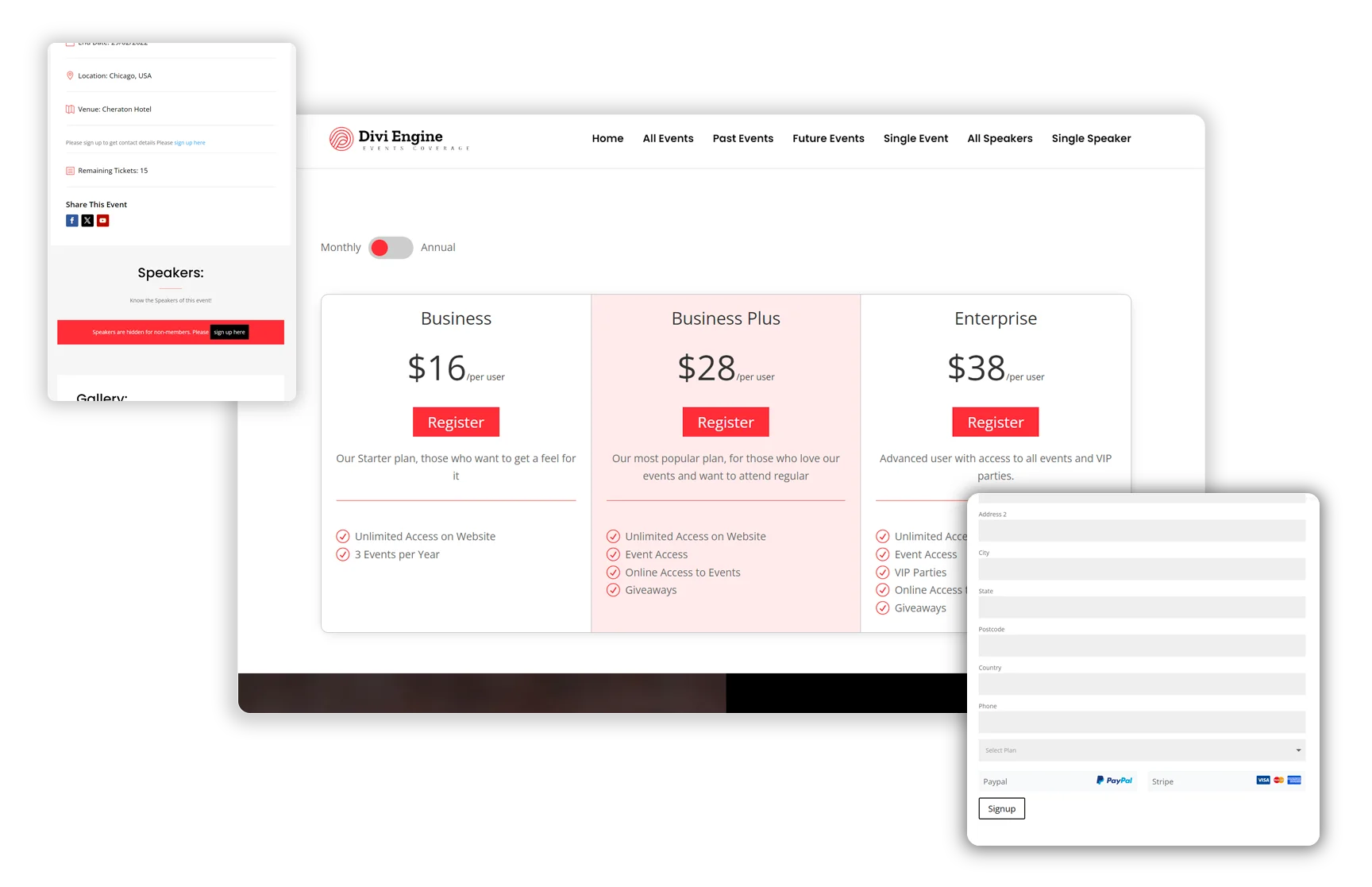
Tools from Divi Engine also fit naturally into advanced builds. At a certain point, agencies may find that native Divi handles most of the design workflow, while a more specialized extension fills the gaps for e-commerce, filtering, memberships, or deeper content logic. It’s a practical mix.
Teams still learning the updated architecture can compare workflows in What Is Divi 5? (Explained for Beginners in Plain English) and review newer editing tools in Divi 5 Inspector: Edit Everything Fast.
AI is another major shift. Divi 5 update notes show fast progress here: an AI Agent icon appeared in the builder toolbar in March 2026, more page lifecycle tools arrived in May 2026, and AI Agents rolled out more broadly in September 2026 (Elegant Themes Help). Inside the workflow, Divi AI also helps with content, images, coding, and layout work (Elegant Themes Help).
AI doesn’t replace strategy. It reduces repetitive work.
Put these features into your next client build
The most useful Divi Builder features usually aren’t the flashy ones. They save time after launch, cut repeat edits, and make client sites easier to manage over time. Conditional logic can personalize content. Dynamic content and loops reduce manual work. Global presets and Theme Builder help keep everything consistent, while responsive controls make QA easier and role settings protect the handoff. Divi 5 architecture and AI tools also point to a faster, more flexible way to work.
If you build Divi sites for clients, it makes more sense to pick a few features for the next build than to learn everything at once and force it all into one project. Start with presets, Theme Builder, and permissions if you want a cleaner handoff with fewer fixes later. Then add conditional logic and loops for content-rich sites or campaign-heavy builds. Try AI tools when your team wants to speed up drafts and routine tasks.
If your projects need more advanced store, membership, or custom workflow options, a specialized Divi extension platform like premium Divi plugins and extensions can expand what your base build can do without forcing a full workflow change. That can help when the core setup is already working well. You can also look at related ideas in Divi Machine Review: Dynamic Content for Divi Sites.
Divi has more depth than many users realize. Once teams start using more of its hidden workflow features, builds get easier to scale. That’s the real advantage.




















0 Comments