
TLDR; Need a Woo plugin fast? Divi BodyCommerce is a strong pick for Divi-first agencies, designers, and developers building repeatable WooCommerce stores.
You get more control over product pages, shop templates, cart, checkout, thank-you, and account areas. It’s quicker to build visually and easier to hand off than custom code or stacked plugins. Best fit: teams committed to Divi. Pass on it for simple stores, non-Divi setups, or lean custom builds. Check compatibility, support, and long-term maintenance, especially with Divi 5 and WooCommerce updates.
If you build WooCommerce sites with Divi, you already know the pain points. This Divi BodyCommerce review starts with the same problem many agencies face: the default setup starts to feel limited as soon as a client wants more than a basic shop page, whether that means custom product layouts, a smoother cart flow, a cleaner checkout, or tighter control over account pages. Then the real choice shows up fast: custom-code the templates, stack several plugins, or use a dedicated BodyCommerce WooCommerce builder?
For Divi users, Divi BodyCommerce gives you deeper WooCommerce design control in a visual workflow instead of leaving the shop, product, cart, and checkout areas locked into fixed Woo templates. It gives you more freedom to shape things.
For developers, designers, and agencies, the real question goes past the feature list. It has to save time, stay flexible, and make client handoff easier without creating more maintenance work later. This review looks at what Divi BodyCommerce does well, where a bit of caution makes sense, who it fits best, and whether it deserves a place in a standard Divi ecommerce plugin stack.
What a Divi BodyCommerce Review Should Actually Cover
Divi BodyCommerce works best as a visual WooCommerce layout layer for Divi, not only for basic color or spacing tweaks. It suits teams that need more control, especially when they want to shape WooCommerce product pages, shop and archive templates, cart, checkout, thank-you pages, and account areas without stepping outside the Divi setup they already know. That wide page coverage matters. It’s a big reason agencies notice it early.
On the official product page, Divi Engine shows a 4.97/5 rating from 291 reviews, based on the listing accessed in 2026. Public module counts vary by source, which happens. Some pages mention 50+ modules, while others say 65+ modules. It’s better to treat the exact total as flexible and focus on the overall range of features instead (Divi Engine, Theme Canal).
| Metric | Value | Period |
|---|---|---|
| Official rating | 4.97/5 | Listing accessed in 2026 |
| Official review count | 291 | Listing accessed in 2026 |
| Third-party module claim | 65+ | Current reseller listing accessed in 2026 |
| Older alternate module claim | 50+ | Listing for v7.1 |
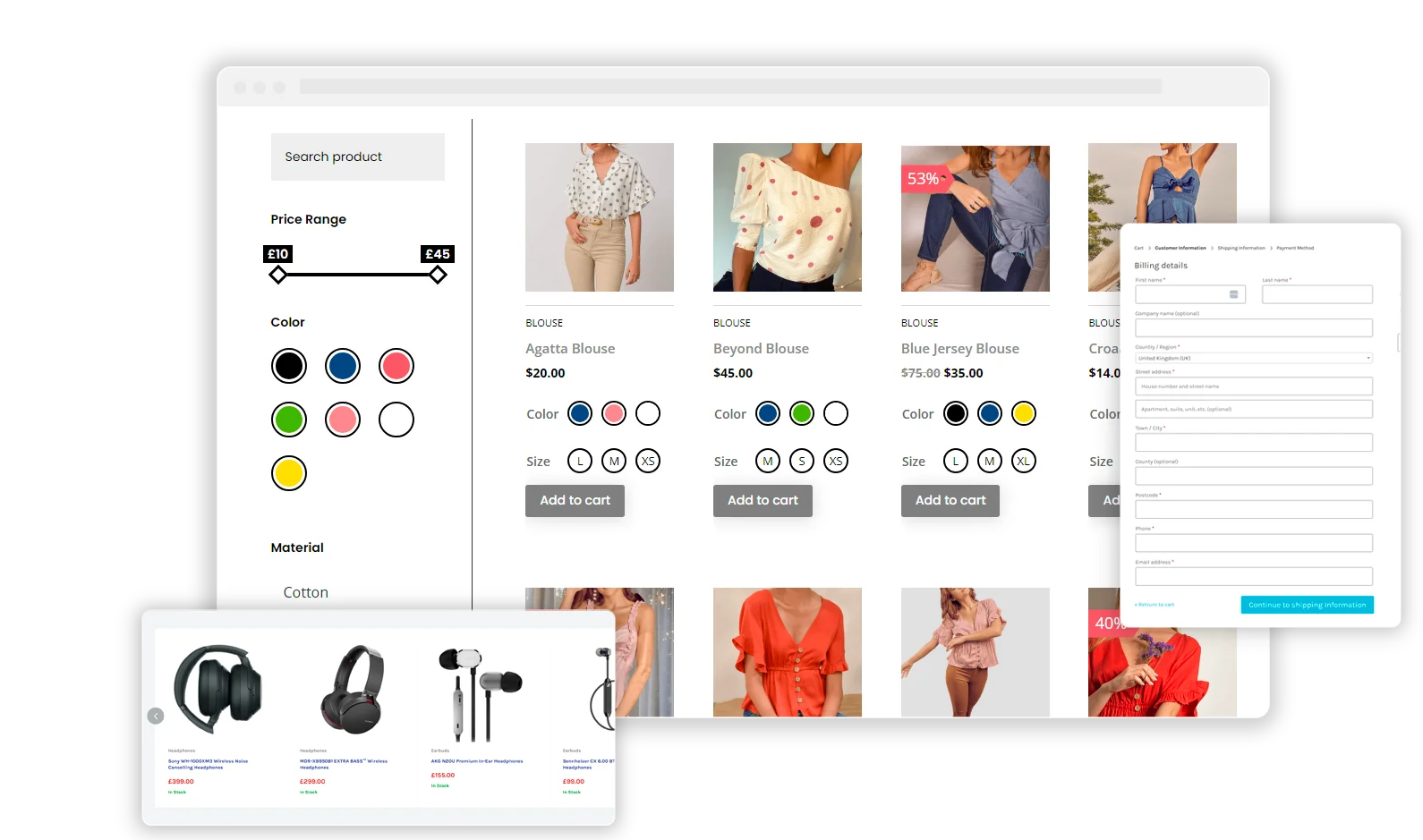
BodyCommerce helps teams stop fighting with default WooCommerce output. If an agency keeps hearing requests like ‘Can we move reviews higher?’, ‘Can we redesign product tabs?’, or ‘Can checkout feel more on-brand?’, this plugin fits that kind of work well and gives teams a simpler way to handle it. It goes past surface styling. It gives teams practical WooCommerce product page customization in a familiar Divi workflow.
Why It Matters More on Larger WooCommerce Builds
This tool makes the most sense when WooCommerce sits at the center of a site, not when it’s just a side feature. Recent market data shows how big this category is. According to StoreLeads-based reporting cited by Red Stag Fulfillment, there were about 4.53 million live WooCommerce stores in August 2025, representing 33.4% of tracked ecommerce stores in that dataset (Red Stag Fulfillment). MobiLoud also said the full tracked ecommerce dataset covered about 13.6 million stores in August 2025. In a separate dataset and segment, WooCommerce accounted for 18.2% of the top 1 million ecommerce sites (MobiLoud).
Those numbers measure different things, and the point is simple. WooCommerce is huge, but the picture changes depending on how market share is measured. Agencies can take something practical from that: WooCommerce is still common enough that a better Divi shop page builder can save serious time across a broad mix of client projects.
The real value shows up when teams repeat the same build pattern across multiple stores. A branded product template, a custom cart flow, and consistent account layouts are all easier to standardize inside a reusable Divi-based system when the same process needs to happen again and again. There is less rebuilding. Teams do not have to recreate the same overrides for every client, and that matters even more as project volume increases.
If a more task-focused walkthrough of page building sounds useful, the article on custom WooCommerce pages with Divi BodyCommerce is a good next step after this review. Teams comparing related tools may also want to read Divi BodyCommerce Features That Boost WooCommerce UX.
Where a Divi BodyCommerce Review Fits in a Real Agency Workflow
For most teams, the biggest win is a faster workflow. A custom-coded WooCommerce store can be clean and powerful, but it takes longer to build, test and hand off. That time adds up. BodyCommerce reduces some of that friction by keeping more layout control inside the builder the team already knows.
A common agency workflow looks like this:
1. Build reusable templates
Set one product layout for a category or brand family, then reuse it across the catalog for a consistent look and faster edits later. Simple.
2. Improve key shopping pages
Don’t stop at just the product template; work on cart, checkout, thank-you, and account pages too. Many conversion problems show up after the product page, not before.
3. Reduce client dependency on developers
Clients may want to update banners, move content sections, or swap layout blocks. With a visual setup, handoff feels easier than working through template files or hooks.
4. Pair it with filtering or lead capture tools
On stores with larger catalogs, filtering starts to shape how people shop. On more involved stores, forms and lead capture can help with product questions, custom orders, or wholesale inquiries. Related tools matter more here, especially when the store setup is doing more than the basics.
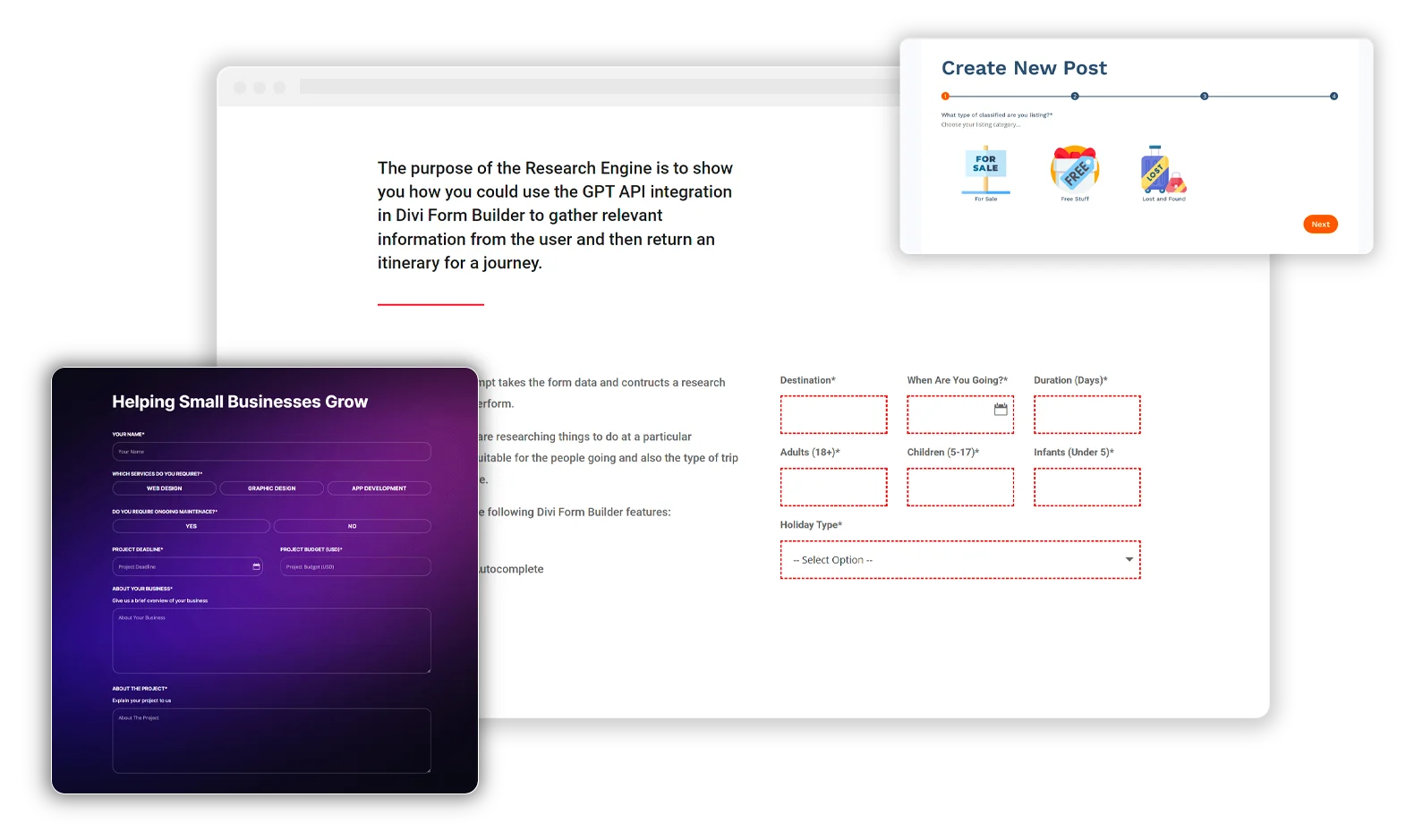
If filtering is part of the plan, see How to Build Fast Product Filters with Divi Ajax Filter. For another comparison angle, Divi Ajax Filter Review: Pros, Cons, and Best Uses covers the broader filtering workflow. For inquiry forms in the sales path, Divi Form Builder Review: Features, Pros and Cons covers that side.
BodyCommerce also stands apart from a basic styling plugin here. Instead of patching a few visual gaps, it supports a full Woo design process.
Divi BodyCommerce Pros and Cons
No honest Divi BodyCommerce review feels complete without looking at the tradeoffs. The plugin has clear strengths. Still, careful buyers should pay attention to the areas that may need a closer look.
The biggest pros
It fits Divi-first agencies really well. If a team is already building in Divi every day, the learning curve stays much lighter than it would with a move to another system.
It also covers more Woo pages than a lot of smaller plugins. Product pages, archives, cart, checkout, and account screens all matter here. That wider control can help an agency shape a more polished store.
It can also cut down the need for manual template work. Not every project has to avoid code, of course, but plenty of agency jobs move faster when implementation happens visually.
It also supports conversion-focused store features. Based on product materials and docs, the wider ecosystem includes things like filters and shopping UX improvements. Small details, maybe, but those features can make a store feel more complete.
The main cons
The biggest concern is validation. Most public evidence comes from vendor-owned content or reseller pages. That doesn’t automatically mean the plugin is bad, but it does mean independent benchmark coverage is still pretty limited.
Another issue is consistency in feature claims. One source says 50+ modules, another says 65+, so buyers should check what matters for the exact use case instead of going by the headline number alone.
It can also be the wrong tool, especially for teams that aren’t committed to Divi, because BodyCommerce matters when it fits Divi WooCommerce customization. Outside that ecosystem, the value drops quickly.
The Divi 5 Question and Long-Term Maintainability
A good reason to review any Divi ecommerce plugin now is migration planning. Agencies aren’t just buying features. They’re buying future workflow stability, and the official documentation points to Divi 4 and Divi 5 support, along with a Divi 5 migration tool and transition guidance in the docs hub and quickstart materials.
That’s a real plus because the product doesn’t ignore platform change. For agencies managing many client stores, that can matter a lot more than a flashy list of modules.
Still, maintainability goes beyond compatibility claims. Teams should also check support quality, update visibility, and how well layouts continue to hold up as WooCommerce changes over time. The research didn’t show a clear public changelog trail for major recent BodyCommerce releases, so due diligence still matters.
Before standardizing on it, smart teams should test a staging build with their normal plugin stack, payment flow, and product types. No shortcuts there.
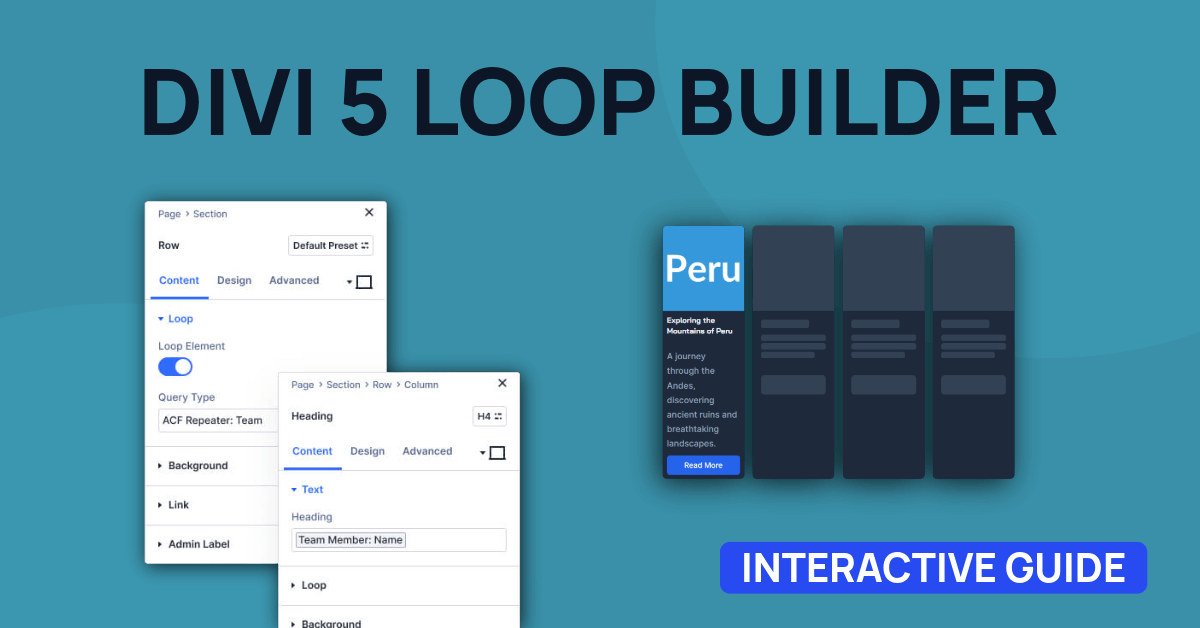
BodyCommerce looks promising for Divi shops planning ahead, and careful teams will still want to validate it before rolling it out across more sites. Agencies planning around newer Divi workflows may also find Divi-5 Loop Builder Explained Simply useful when evaluating long-term compatibility.
Is Divi BodyCommerce Worth It for Woo?
For the right user, yes. Divi BodyCommerce can be worth it for teams that regularly build WooCommerce sites with Divi because it gives deeper layout control, speeds up the visual workflow, and creates a better way to reuse store templates. That matters most when clients want custom product pages, cleaner cart and checkout design, and a more branded shopping experience without a lot of custom coding.
It’s probably not the best fit for agencies that prefer lean custom development, mostly work outside Divi, or only build very simple stores. In those cases, default WooCommerce templates or a custom-code approach may be cleaner.
Judge Divi BodyCommerce by workflow value, not marketing claims. Ask a few simple questions: will it cut build time, reduce template maintenance, and make updates easier for clients? More importantly, will it support repeatable Divi ecommerce builds?
If the answer’s yes, Divi BodyCommerce is a practical choice. If you want to look at the broader product angle before deciding, the premium ecommerce tools from this Divi customization platform are worth reviewing as part of your stack planning. For many Divi-focused agencies, BodyCommerce feels like more than just another plugin. It makes WooCommerce feel much more natural inside Divi.





























0 Comments